
A polished video can take hours of work behind the scenes. Cutting footage, fixing audio, adjusting colors, adding transitions, and getting the timing right all take time, especially when the software has a learning curve.
Video editing software brings these tasks into one workflow, with tools for trimming footage, editing audio, refining visuals, and adding effects.
But not every video editing software is built for the same user. Some are designed for beginners and quick social media edits, while others offer advanced controls for professional video production. The right tool depends on your editing experience, the type of videos you create, the device you use, the features you need, and your budget.
In this guide, we’ve rounded up the best video editing software and compared their key features, pricing, and use cases.
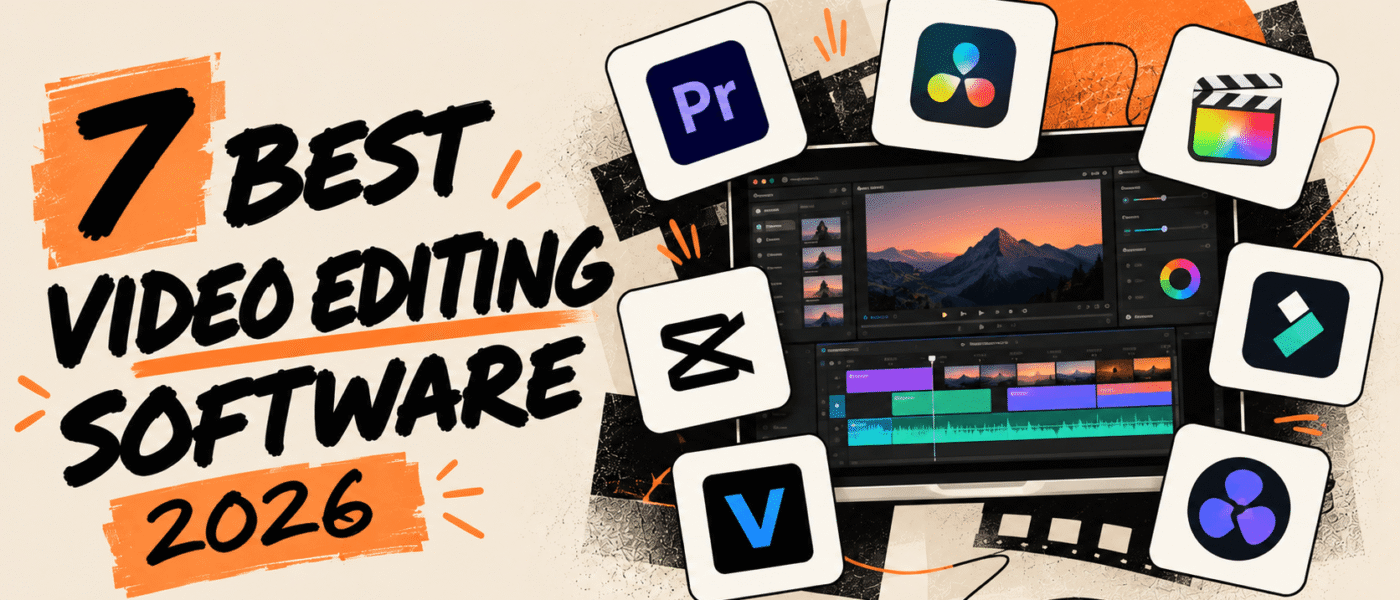
7 Best Video Editing Software
The following video editing software options cover a range of editing needs, skill levels, and types of video projects:
1. Adobe Premiere Pro
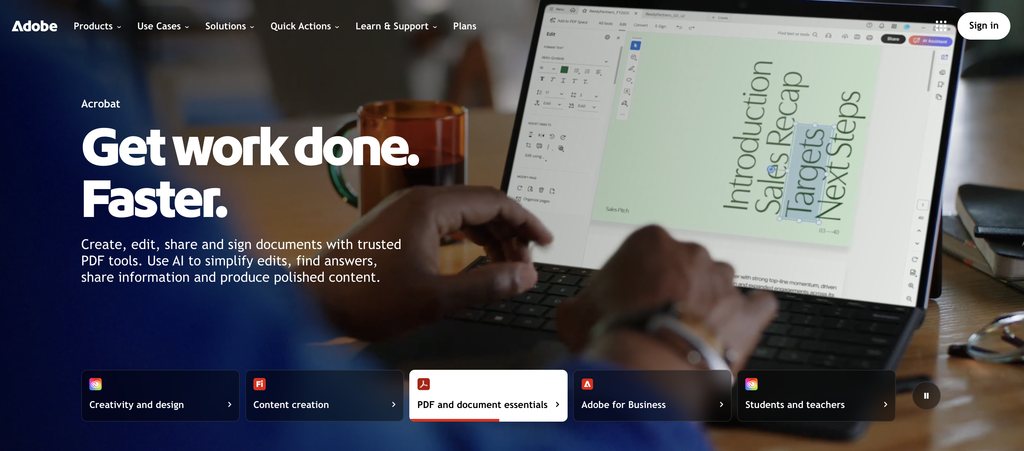
Adobe Premiere Pro is a professional video editing software designed for editors who need detailed control over their projects. It provides tools for cutting and arranging footage, editing audio, adjusting color, adding effects, and working with multi-camera projects. It also includes AI-powered features such as Text-Based Editing and Media Intelligence that can speed up tasks like creating rough cuts and finding specific clips. With integration across Adobe’s creative tools and Frame.io for video review and collaboration, Premiere works well for editors handling more advanced video projects.
Adobe Premiere Pro Best Features
- Precise video editing and trimming
- Multicam editing
- Color correction and grading
- Audio editing and mixing
- Video effects and transitions
- Text-Based Editing
- AI-powered Media Intelligence
- Frame.io integration
Adobe Premiere Pro Pricing
- Starts at $22.99/month on the annual, billed-monthly plan
- Creative Cloud Pro: $34.99/month for the first 3 months, then $69.99/month, including 20+ apps
- Premiere for Teams: $37.99/month per license
- 7-day free trial available
2. DaVinci Resolve
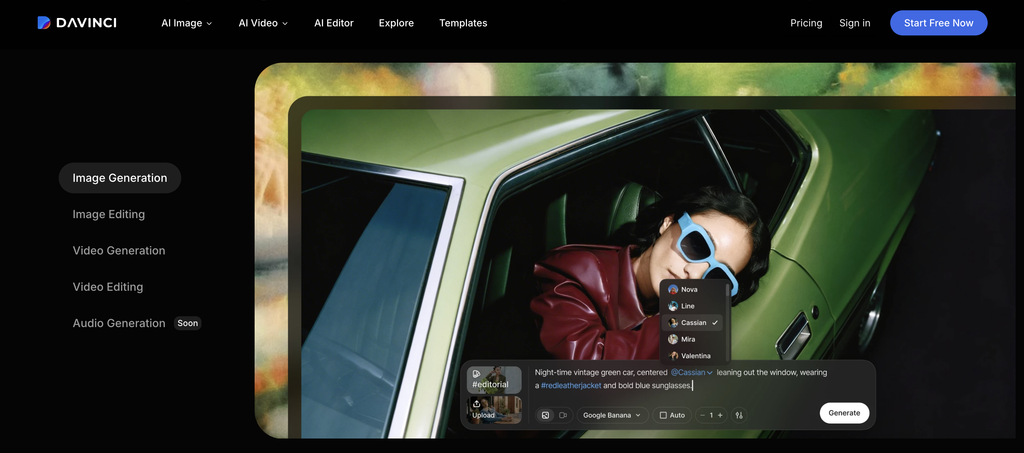
DaVinci Resolve is an all-in-one video editing software designed for editors who want professional tools for editing, color, visual effects, and audio in one application. It combines dedicated workspaces for editing, color grading, visual effects, motion graphics, and audio post-production, making it suitable for more complex video projects. Its free version also includes a broad set of editing and post-production tools, while the Studio version adds advanced AI features, effects, and HDR tools.
DaVinci Resolve Best Features
- Advanced video editing and trimming
- Professional color grading
- Multicam editing
- Visual effects and motion graphics
- Advanced audio editing
- AI-powered editing tools
- Fusion compositing
- Fairlight audio post-production
DaVinci Resolve Pricing
- Free version available
- DaVinci Resolve Studio: $295 one-time purchase
- No subscription required for the Studio version
3. Final Cut Pro
Final Cut Pro is Apple’s professional video editing software for Mac users who want a fast and streamlined editing workflow. It combines timeline editing, media organization, color grading, audio editing, effects, and motion graphics in one application. Features such as the Magnetic Timeline, AI-powered object tracking, and optimization for Apple Silicon make it suitable for editors working on both everyday and more demanding video projects.
Final Cut Pro Best Features
- Magnetic Timeline for streamlined editing
- Multicam editing
- Color grading and color correction
- Advanced audio editing
- Motion graphics and visual effects
- Object tracking
- Automatic media organization
- Apple Silicon optimization
- AI-powered Magnetic Mask
Final Cut Pro Pricing
- $299.99 one-time purchase for Mac
- Apple Creator Studio: $12.99/month or $129/year
- 90-day free trial available for the Mac version
4. CapCut
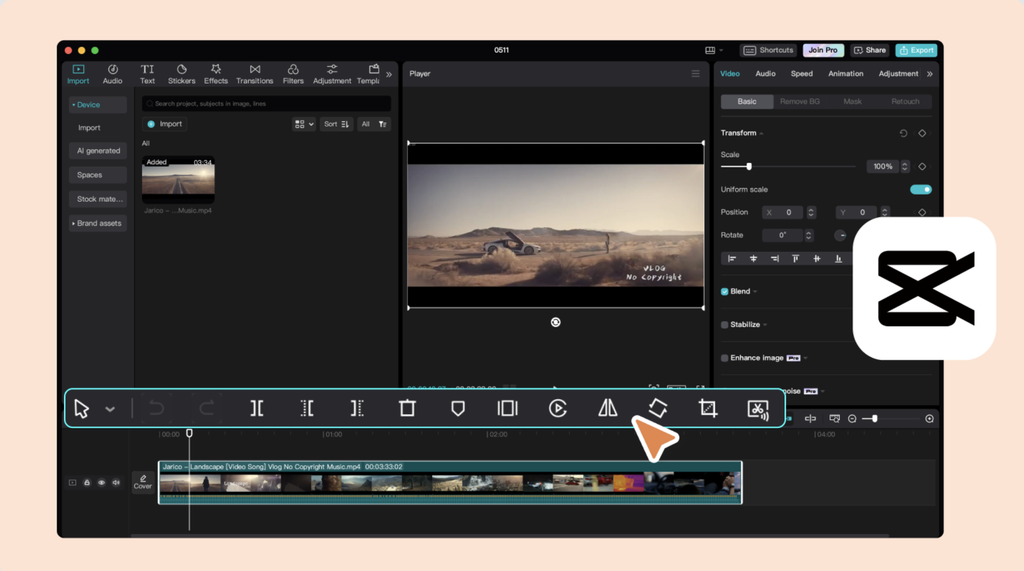
CapCut is a video editing software designed for creators who want to produce social media and short-form videos quickly. It puts together a simple editing workflow with templates, effects, captions, and AI-powered tools that help users create polished videos without advanced editing experience. CapCut comes with different versions for desktop and mobile, which is useful for creators, marketers, and businesses producing content for platforms such as TikTok, Instagram, and YouTube.
CapCut Best Features
- Video trimming and timeline editing
- Social media templates
- AI-powered editing tools
- Auto captions
- Text-to-speech and voice effects
- Background removal
- Filters, effects, and transitions
- 4K video export with Pro
CapCut Pricing
- Free version available
- CapCut Pro offers monthly and annual subscription plans
- Pricing varies by region, platform, taxes, and promotional offers
5. Adobe Premiere Elements
Adobe Premiere Elements is a video editing software designed for beginners who want an easier way to create and edit polished videos without learning the more complex workflows found in professional editors. It comes laden with AI-powered tools and automation for tasks such as trimming, effects, audio, and color adjustments. This makes it a practical option for users who want an easier learning curve while still having room to develop their editing skills.
Adobe Premiere Elements Best Features
- Guided video editing
- AI-powered editing tools
- Automated video adjustments
- Video trimming and transitions
- Titles and motion graphics
- Music and audio tools
- Filters and visual effects
- Step-by-step editing guidance
Adobe Premiere Elements Pricing
- $99.99 for a 3-year term license
- Photoshop Elements + Premiere Elements: $149.99
- 7-day free trial available
6. Filmora
Filmora is a user-friendly video editing software designed for creators who want to make polished videos without a steep learning curve. It pairs an accessible workflow with templates, effects, transitions, and AI-powered tools for automated editing, audio enhancement, and content generation. You can use it for social media videos, YouTube content, marketing videos, and other projects that do not require a highly complex professional editing setup.
Filmora Best Features
- Easy timeline editing
- AI-powered video editing tools
- Video templates and effects
- Transitions and filters
- AI text-based editing
- AI audio enhancement
- Auto captions
- Motion tracking
Filmora Pricing
- Free version available with limitations
- Basic: $49.99/year
- Advanced: $59.99/year
- Perpetual plan: $79.99 one-time purchase
7. iMovie
iMovie is Apple’s free video editing software for Mac, iPhone, and iPad, designed for users who want to create and edit videos without a complicated workflow. It provides straightforward tools for trimming clips, adding transitions, titles, music, and effects, along with features such as Magic Movie and Storyboards that simplify the editing process. This makes iMovie a practical option for beginners, casual creators, and anyone who needs basic video editing tools without paying for software.
iMovie Best Features
- Simple video trimming and editing
- Magic Movie
- Storyboards
- Titles and transitions
- Music and sound effects
- Filters and visual effects
- Green-screen, picture-in-picture, and split-screen effects
- 4K video support
iMovie Pricing
- Free for Mac, iPhone, and iPad users
Conclusion
The best video editing software depends on your editing experience, the device you use, the features you need, and your budget. A professional editor may need advanced color grading, audio, effects, and timeline controls, but a beginner will prefer a simpler interface and guided editing tools.
For professional video editing, tools such as Adobe Premiere Pro, DaVinci Resolve, and Final Cut Pro offer advanced capabilities and greater creative control. Beginners can consider options such as Adobe Premiere Elements and iMovie. CapCut and Filmora, on the other hand, provide accessible tools for creating polished social media and other short-form content.
So, consider the type of videos you create, the features you need, and if the software fits your device and budget before choosing an editor.