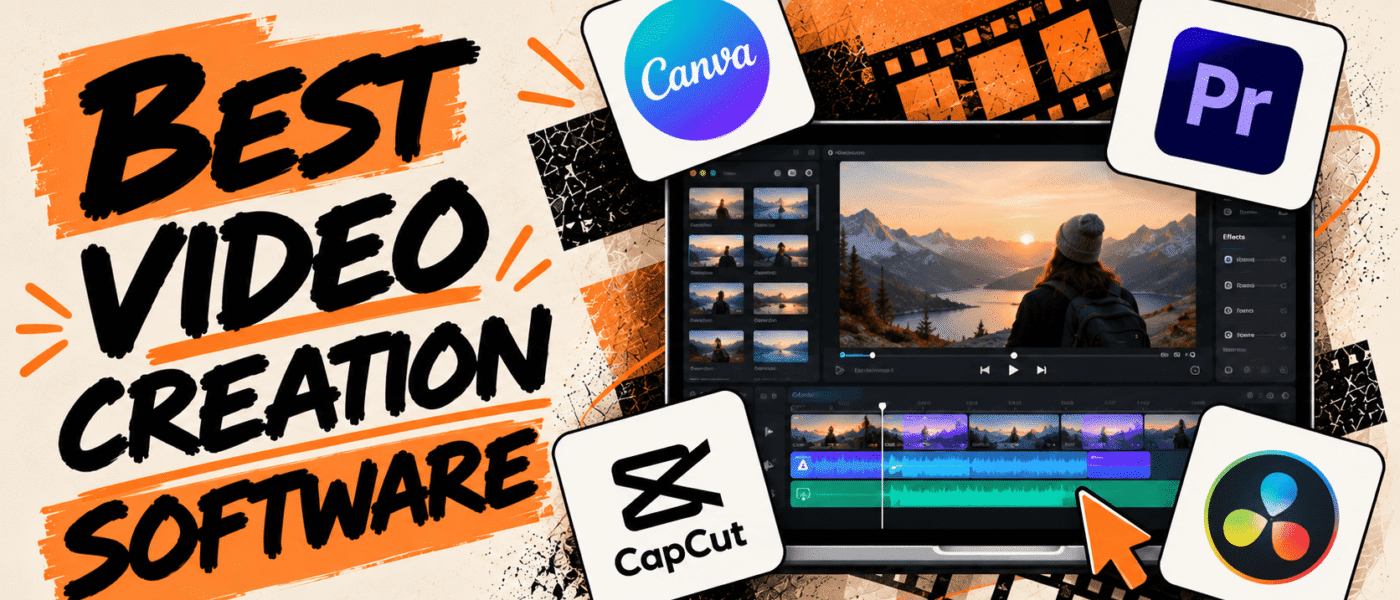

Creating a video from scratch can be tedious, even with AI-powered tools and workflows. What you need is video creation software that does more than simply help you edit and polish your content.
Modern video creation software can support tasks such as planning, recording, editing, animating, adding effects, and resizing videos for different platforms within a single workflow.
However, not every tool is built for the same use case. Some focus on professional editing and creative control, while others are designed for presentations, social media videos, animation, or collaborative workflows. The right software depends on the type of videos you want to create, your editing experience, collaboration needs, and where you plan to publish your content.
In this guide, we’ve rounded up the best video creation software and compared what each tool does best, along with its key features, pricing, and use cases.
Best Video Creation Software
Let’s compare the best video creation software based on their creation, editing, and enhancement features to help you find the right option for your unique needs:
1. Adobe Premiere Pro
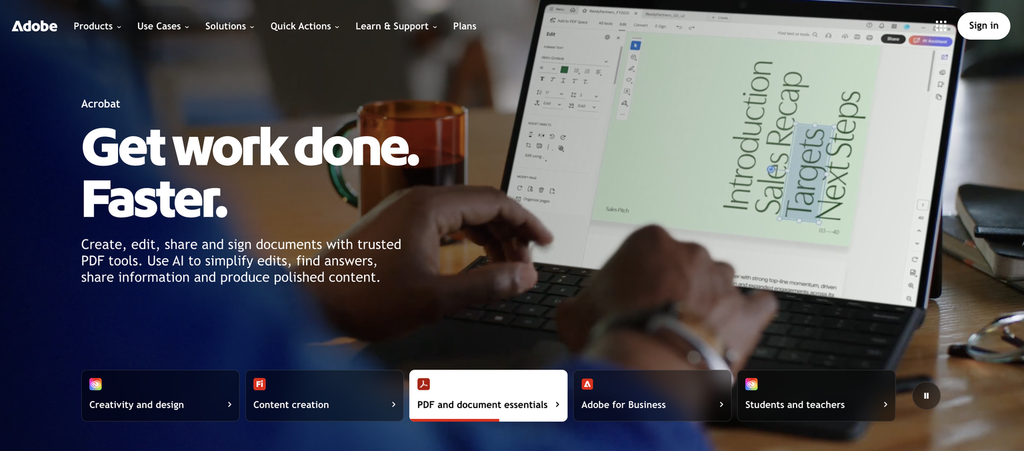
Adobe Premiere Pro is professional video creation and editing software that combines advanced editing, motion graphics, audio, color, and AI-powered tools in one workflow. It supports multi-track editing, effects, transitions, captions, audio mixing, color correction, and motion graphics, while features such as Text-Based Editing, Media Intelligence, Generative Extend, and Object Masking can speed up common editing tasks. Premiere Pro also integrates with other Adobe applications and Frame.io for creative workflows and collaboration, making it useful for professional video production, marketing content, social media videos, and other projects that require detailed editing control.
Adobe Premiere Pro Best Features
- Multi-track video and audio editing
- Motion graphics and animated titles
- Advanced color correction and grading
- Text-Based Editing
- Media Intelligence
- Generative Extend
- AI-powered Object Masking
- Enhance Speech
- Frame.io collaboration
- Captions and subtitle tools
Adobe Premiere Pro Pricing
- Starts at $22.99/month on the annual, billed-monthly plan
- Creative Cloud Pro: $34.99/month for the first 3 months, then $69.99/month, including 20+ apps
- Premiere for Teams: $37.99/month per license
- 7-day free trial available
2. Canva
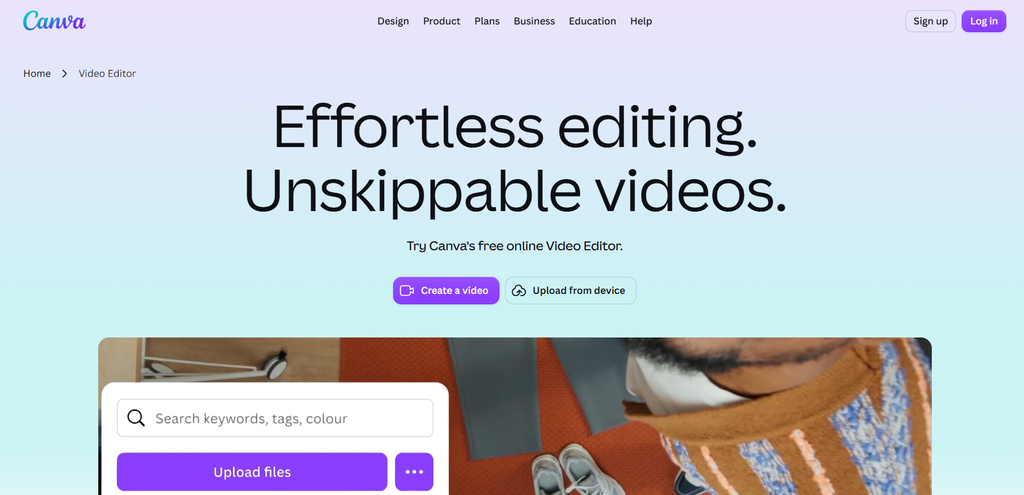
Canva is an easy-to-use visual content platform with a video editor, ready-made templates, stock footage, music, animations, and AI-powered tools for creating videos without advanced editing experience. Its editor supports multi-layer timelines, captions, transitions, background removal, Beat Sync, and AI features such as Highlights and Magic Video. Canva also includes Brand Kits, content resizing, social media publishing, and collaboration tools, which make it a useful tool for marketing teams, social media content, presentations, and branded video content.
Canva Best Features
- Drag-and-drop video editor
- Video templates and stock media
- AI-powered Highlights
- Magic Video
- Auto-generated captions
- Beat Sync
- Background remover
- Animations and transitions
- Brand Kit and brand templates
- Social media resizing
- Real-time collaboration
Canva Pricing
- Free: $0/month
- Pro: $15/month for one person
- Business: $20/person/month
- Enterprise: Custom pricing
3. CapCut
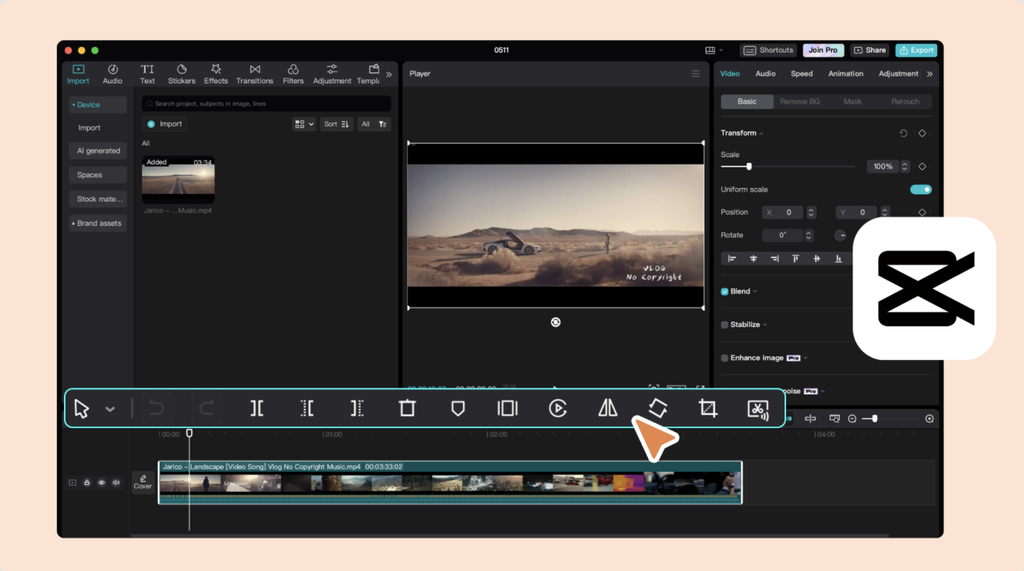
CapCut is a creator-focused video editing platform designed for producing social media and short-form content quickly. It combines timeline editing with templates, transitions, effects, filters, stickers, music, sound effects, and automatic captions. Its AI tools can also help with tasks such as background removal, script generation, text-to-speech, and video enhancement. CapCut supports formats and editing tools designed for platforms such as TikTok, Instagram, and YouTube, helping creators, marketers, and businesses get more out of the tool when producing social content regularly.
CapCut Best Features
- Timeline video editing
- Video templates
- Transitions, effects, and filters
- Auto captions
- AI background removal
- Text-to-speech and voice effects
- AI video generation
- Script-to-video creation
- Auto reframe and aspect ratio tools
- Keyframe animation
CapCut Pricing
- Free version available
- CapCut Pro offers monthly and annual subscription plans
- Pricing varies by region, platform, taxes, and promotional offers
4. DaVinci Resolve
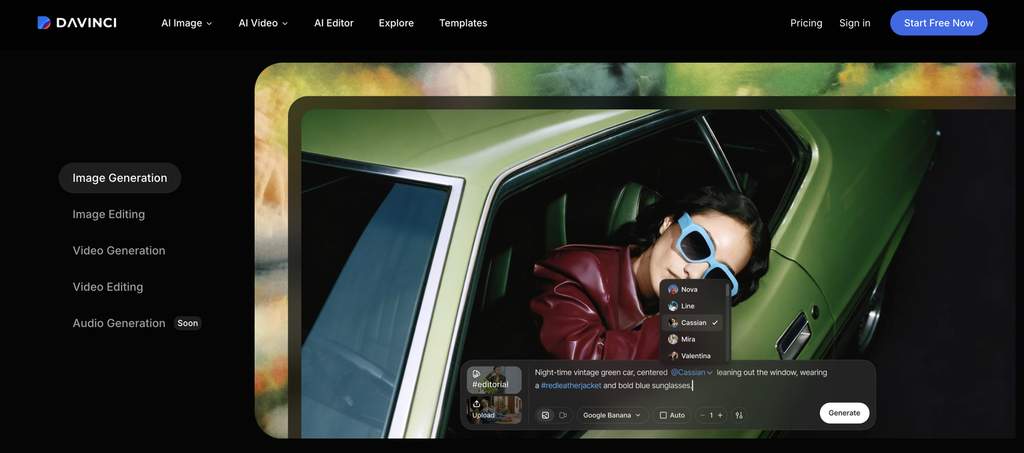
DaVinci Resolve is a comprehensive video production suite that combines video editing, color correction, visual effects, motion graphics, and professional audio post-production in one application. Its editing tools support multi-track timelines, transitions, subtitles, and multicam workflows, while Fusion provides tools for compositing, animation, and visual effects. It also includes Fairlight for advanced audio editing and AI-powered features such as object removal, voice isolation, and smart reframing. DaVinci Resolve is suited to professional video production, filmmaking, YouTube content, and projects that require detailed control over the post-production process.
DaVinci Resolve Best Features
- Professional video editing
- Advanced color correction and grading
- Fusion visual effects and motion graphics
- Fairlight audio editing and mixing
- Multi-camera editing
- Advanced subtitles and captions
- AI-powered video and audio tools
- Object removal and tracking
- Voice isolation and audio enhancement
- Smart reframe and aspect ratio tools
DaVinci Resolve Pricing
- Free: $0/month
- DaVinci Resolve Studio: $295 one-time purchase
- DaVinci Resolve Studio for iPad: $94.99 one-time purchase
5. Final Cut Pro
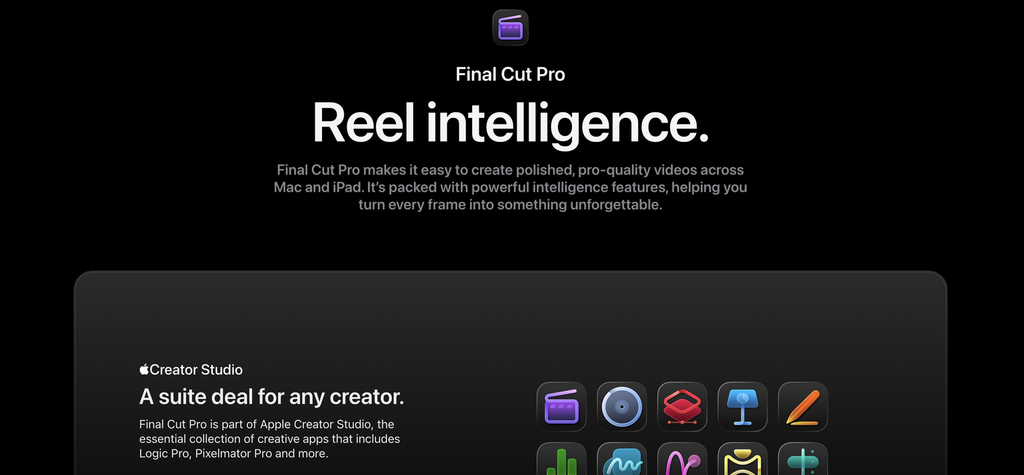
Final Cut Pro is Apple’s professional video editing software, designed for fast performance and efficient workflows on Mac. It combines magnetic timeline editing with tools for media organization, color correction, audio, motion graphics, effects, captions, and multicamera projects. Features such as Magnetic Mask, Object Tracker, automatic captions, and Apple Silicon optimization help speed up common editing tasks, while support for HDR, spatial video, and advanced audio supports professional productions, YouTube videos, social media content, and other Mac-based projects.
Final Cut Pro Best Features
- Magnetic Timeline
- Multicam editing
- Advanced color grading
- Motion graphics and visual effects
- Magnetic Mask
- Object Tracker
- Automatic captions
- Voice Isolation and audio tools
- HDR and ProRes workflows
- Spatial video editing
Final Cut Pro Pricing
- $299.99 one-time purchase
- Apple Creator Studio: $12.99/month or $129/year, including Final Cut Pro and other creative apps
- 30-day free trial available for Apple Creator Studio
6. Filmora

Filmora focuses on making video editing accessible to beginners, with an intuitive workflow that helps users create polished videos without advanced editing skills. Alongside its timeline editor, users get ready-made templates, transitions, effects, filters, stock media, motion graphics, and audio tools, as well as AI features for text-to-video generation, smart masking, object removal, and speech enhancement. Screen recording, captions, background removal, and social media-ready exports further extend its editing capabilities for YouTube videos, marketing content, tutorials, presentations, and social media.
Filmora Best Features
- Drag-and-drop video editor
- Video templates and effects
- Transitions, filters, and animations
- AI text-to-video
- AI Smart Masking
- AI Object Remover
- AI Audio Denoise
- Automatic captions
- Screen recording
- Background removal
Filmora Pricing
- Free: $0, with limitations and watermarked exports
- Annual Plan: $49.99/year
- Perpetual Plan: $79.99 one-time purchase
- Business plans: Custom pricing
- 30-day money-back guarantee available
7. Clipchamp
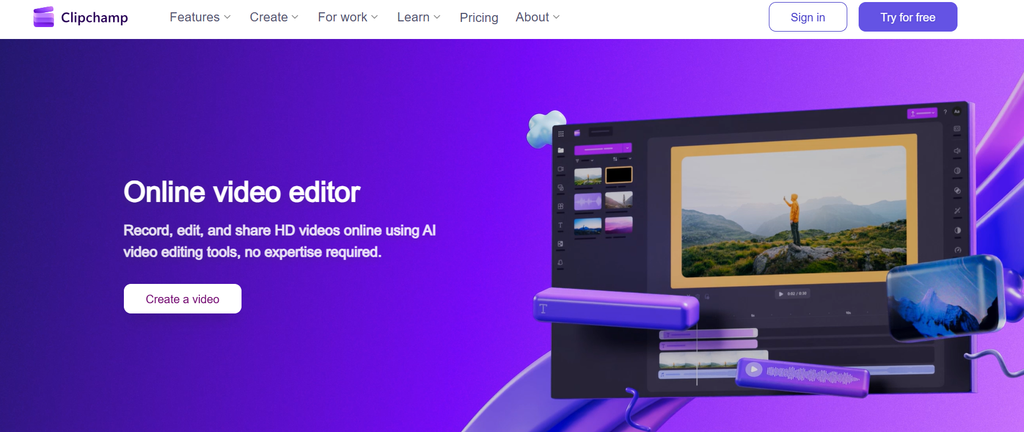
Clipchamp is a browser-based video creation and editing tool with templates, stock media, screen recording, and AI-powered features. You can trim and crop videos, add transitions, filters, text, music, captions, and brand assets, while features such as text-to-speech, AI subtitles, and auto-compose help speed up video creation. It also integrates with Microsoft 365 and supports direct sharing and exporting, making it suitable for everyday videos, presentations, tutorials, social media content, and workplace communications.
Clipchamp Best Features
- Browser-based video editor
- Ready-made video templates
- Stock video, image, and audio library
- Screen and webcam recording
- AI text-to-speech
- Automatic captions
- AI auto-compose
- Text, transitions, filters, and effects
- Brand kits
- Microsoft 365 integration
Clipchamp Pricing
- Free: $0/month
- Microsoft 365 Personal: Includes Clipchamp Premium features
- Microsoft 365 Family: Includes Clipchamp Premium features
Also read: Best video editing softwares
Conclusion
Choosing video creation software is less about the number of features and more about how well the tool fits your workflow and solves your specific needs.
If you need to create high volumes of social media content quickly, a template-based or AI-powered tool can speed up your workflow. If your projects require frame-accurate editing, advanced visual effects, detailed color work, or professional audio, a more advanced video production suite may be a better fit.
Choose software that matches your production needs, editing experience, and the type of content you create.