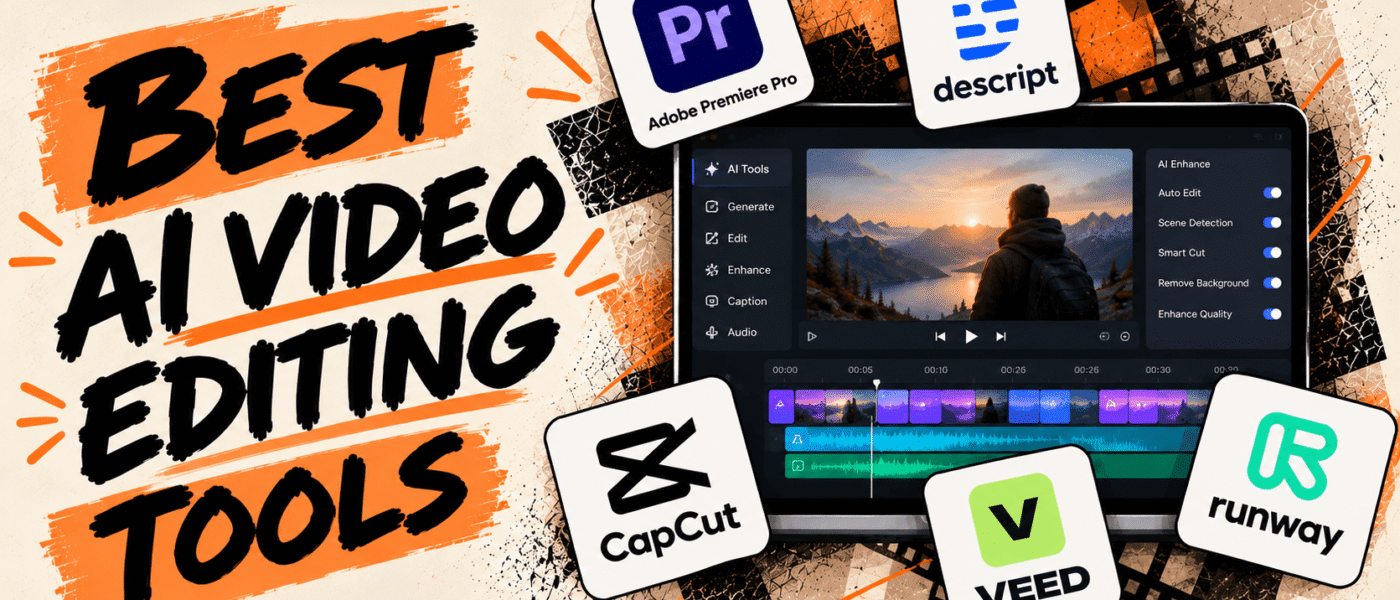

AI video editing tools have made video editing faster and more efficient. They can automate many time-consuming tasks, such as cutting footage, removing silences, generating captions, enhancing audio, reframing videos for different platforms, and creating short clips from longer videos.
But there’s no single tool that can do it all. The right choice depends on the type of content you create, how much automation you need, the level of editing control you want, and how well the tool fits into your workflow. Some tools focus on fast, automated editing, while others combine AI features with more traditional editing controls.
In this blog, we review the best AI video editing tools and compare their features, pricing, and capabilities to help you choose the right one for your needs.
Best AI Video Editing Tools
Let’s explore some of the most popular AI video editing tools, comparing their AI features, editing capabilities, ease of use, and pricing, so you can find the right fit:
1. Adobe Premiere Pro
Adobe Premiere Pro is the industry-standard video editing suite trusted by professionals and creators who demand advanced manual control backed by powerful AI automation. Equipped with intelligent tools like text-based timeline editing, one-click audio enhancement, precise object masking, automatic reframing, and generative editing, it drastically reduces manual workloads without compromising creative depth. This makes Premiere Pro the ultimate all-in-one solution for production teams and creators looking to scale up their output while maintaining a cinematic, high-end finish.
Adobe Premiere Pro Best Features
- AI-powered text-based editing
- AI-powered audio enhancement
- Object masking and tracking
- Auto Reframe for different aspect ratios
- Generative Extend for extending video clips
- Media Intelligence for searching footage using natural language
- Professional video and audio editing tools
Adobe Premiere Pro Pricing
- Starts at $22.99/month on the annual, billed-monthly plan
- Creative Cloud Pro: $34.99/month for the first 3 months, then $69.99/month, including 20+ apps
- Premiere for Teams: $37.99/month per license
- 7-day free trial available
2. Descript
Descript is an innovative, transcript-based video and audio editing platform that reimagines post-production by letting you edit recordings simply by editing text. Packed with powerful AI tools, it effortlessly removes filler words and false takes, instantly cleans up studio-quality audio, generates engaging short-form clips, automatically adds captions, and even corrects eye contact. This makes Descript an indispensable, time-saving solution for podcasters, interviewers, educators, and creators whose content relies heavily on spoken word.
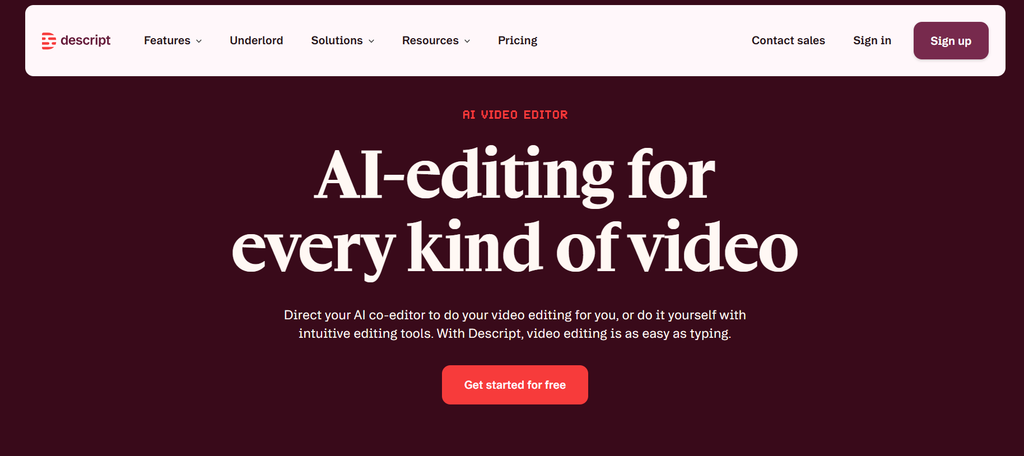
Descript Best Features
- Transcript-based video editing
- AI-powered filler word and retake removal
- Studio Sound for audio enhancement
- AI-generated clips
- Automatic captions and subtitles
- Eye Contact correction
- Underlord AI video co-editor
- AI voice cloning and video regeneration
Descript Pricing
- Starts at $0/month with the Free plan
- Hobbyist: $16/month
- Creator: $24/month
- Business: $50/month
- Enterprise: Custom pricing
3. CapCut
CapCut is a fast, versatile video editing platform built specifically to streamline the creation of high-engagement social media content. Packed with automated AI tools, it effortlessly generates dynamic captions, removes backgrounds instantly, applies trendy effects, and allows creators to rapidly spin up polished videos using smart templates. This makes it an ideal go-to for marketers and digital creators looking to produce scroll-stopping short-form videos for platforms like TikTok, Instagram Reels, and YouTube Shorts without a steep learning curve.
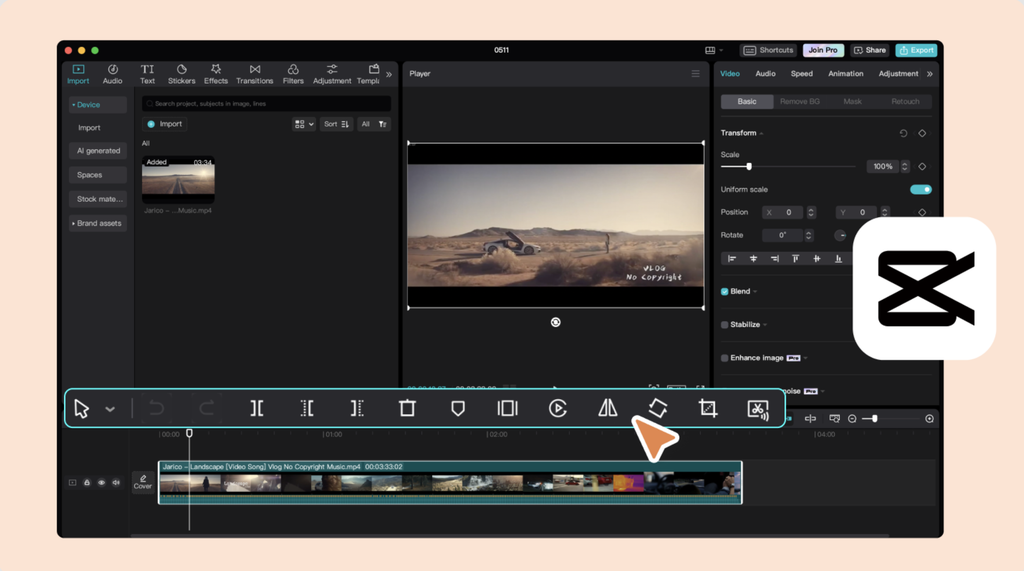
CapCut Best Features
- Automatic captions and subtitles
- AI background removal
- AI-powered video effects
- Templates for social media content
- Text-to-speech and AI voice features
- Auto Cut for automated video editing
- AI image and video generation
CapCut Pricing
- Free version available
- CapCut Pro offers monthly and annual subscription plans
- Pricing varies by region, platform, taxes, and promotional offers
4. Runway
Runway is a pioneering AI video platform designed for creators looking to push past the limits of traditional editing through generative media. Powered by state-of-the-art AI models, its versatile toolset effortlessly generates striking visuals from text and images, transforms existing footage, and paints out or replaces objects with a few clicks. This makes Runway an essential asset for creative projects, marketing content, visual effects, and workflows that need more flexibility than traditional video editing tools.
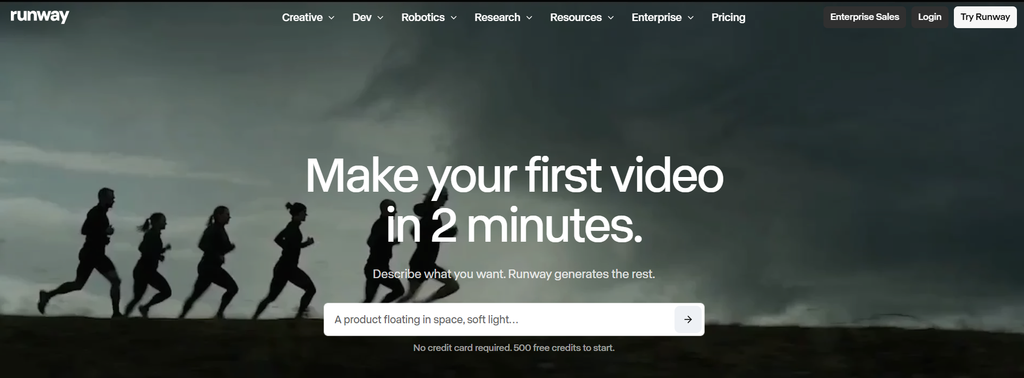
Runway Best Features
- AI video generation and editing
- Object removal and replacement
- Video-to-video transformation
- Text-to-video generation
- Image-to-video generation
- AI-powered visual effects
- Background and scene manipulation
- Video stylization
Runway Pricing
- Starts at $0/month with the Free plan
- Standard: $15/month
- Pro: $35/month
- Max: $95/month
- Team: $69/seat/month for 2–9 seats
- Enterprise: Custom pricing
- Runway Dev: API access with usage-based credit pricing
5. Wondershare Filmora
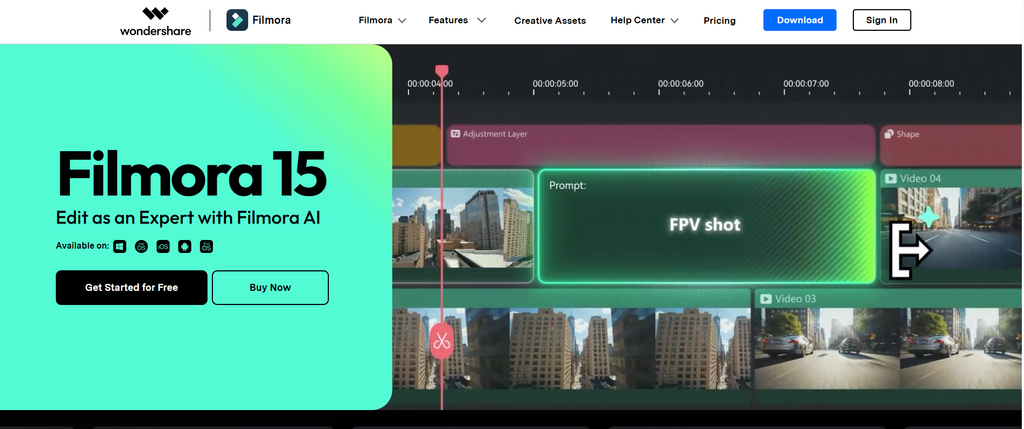
Wondershare Filmora is a user-friendly, feature-packed video editing platform that bridges the gap between powerful AI automation and intuitive, beginner-friendly design. It streamlines production by combining traditional timeline controls with smart capabilities like text-based editing, one-click audio cleanup, intelligent scene detection, instant background removal, and AI music generation. Filmora is the ideal all-in-one solution for content creators, educators, and beginners who want professional-grade AI assistance without dealing with the steep learning curve of advanced editing suites.
Wondershare Filmora Best Features
- AI-powered text-based editing
- AI audio cleanup and enhancement
- Smart Scene Cut
- AI background removal
- Speech-to-text and text-to-speech
- AI video enhancement
- AI music and content generation
- AI script-to-video
Wondershare Filmora Pricing
- Monthly: $9.99/month
- Yearly: $24.99/year
- Perpetual: $39.99 one-time payment
- Additional AI credits are available separately
6. VEED
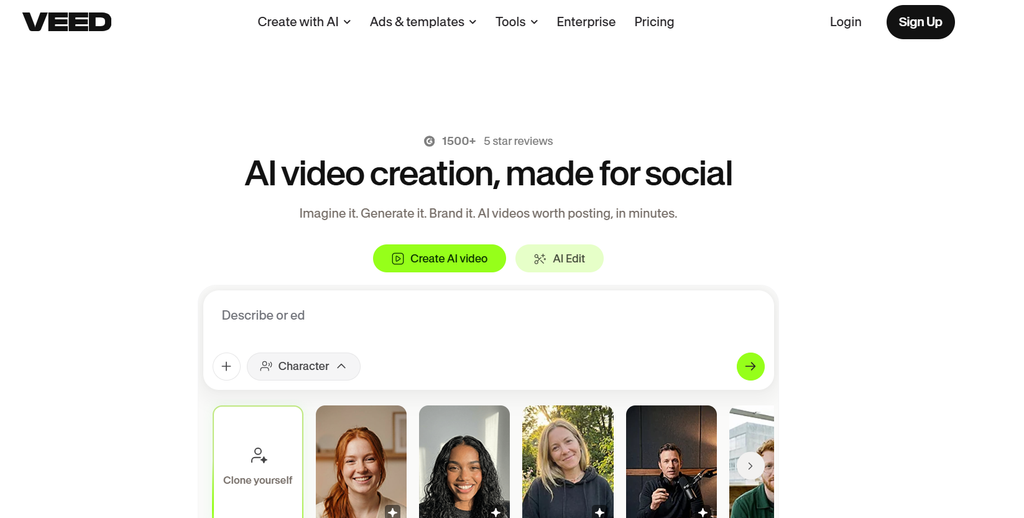
VEED is a browser-based video editing platform designed to streamline content creation and repurposing without the hassle of downloading heavy desktop software. It comes laden with practical AI tools that effortlessly auto-generate accurate subtitles, translate videos into multiple languages, clean up background audio, transform text into video, and resize content for various social platforms. This makes VEED an invaluable, time-saving solution for marketers, businesses, and creators who need to quickly produce, localize, and scale polished video content directly from the web.
VEED Best Features
- Automatic subtitles and captions
- Text-to-video generation
- AI video translation
- AI audio cleanup
- Automatic video resizing
- AI avatars and voiceovers
- Social media video tools
- Browser-based video editing
VEED Pricing
- Free plan available
- Creator: Starts at about $12/user/month, billed annually
- Pro: Higher-tier plan with advanced features
- Studio: Team-focused plan
- Enterprise: Custom pricing
7. OpusClip
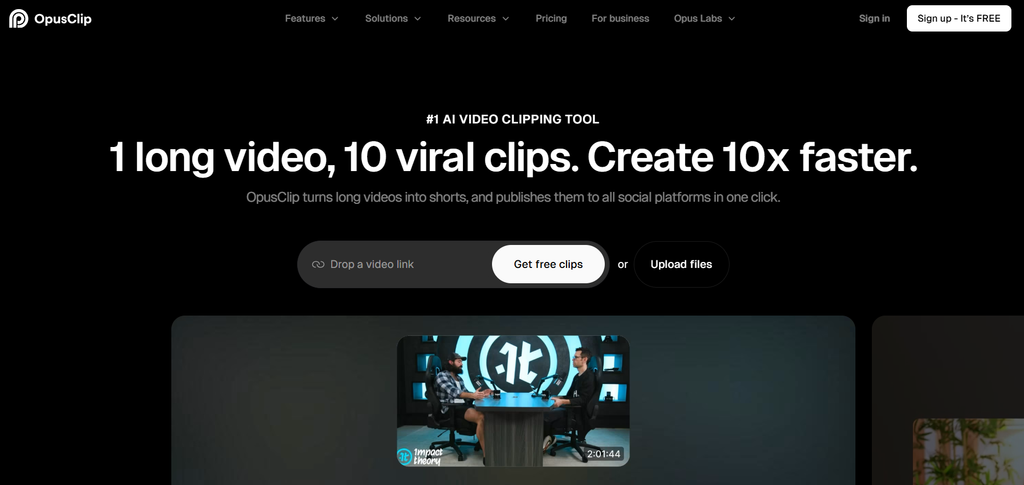
OpusClip is an AI-powered video repurposing tool designed to transform long-form content into viral-ready short clips for social media in minutes. The tool comes with intelligent content analysis, which helps it automatically detect the most engaging highlights, reframe footage for vertical formats, generate dynamic captions, and package everything into ready-to-publish pieces. So, OpusClip is a time-saving solution for podcasters, marketers, and businesses looking to maximize their reach by scaling short-form content from existing long-form videos without tedious manual cutting.
OpusClip Best Features
- AI-powered highlight detection
- Automatic short clip generation
- AI video reframing
- Automatic captions
- Dynamic layouts and speaker tracking
- AI B-roll and visuals
- Social media-ready formats
- Support for multiple aspect ratios
OpusClip Pricing
- Starts at $0/month with the Free plan
- Starter: $15/month
- Pro: $29/month
- Business: Custom pricing and packs
Conclusion
The modern-day AI video editing tools cover a wide range of editing needs. For example, professional platforms such as Adobe Premiere Pro and Wondershare Filmora combine advanced editing controls with AI features, while tools such as OpusClip focus on automated clipping and repurposing. Other options, including Descript, CapCut, Runway, and VEED, offer different combinations of AI editing and content creation features.
But there’s something to remember. Even the best AI tool may not be the right fit if it doesn’t match your needs. Choose a tool based on the type of videos you create, the AI features you’ll use, the level of automation and editing control you want, and the pricing that fits your workflow.