
Creating a good video used to mean planning a shoot, recording footage, editing clips, and spending hours getting the final cut right.
AI video generators are changing that workflow. You can create a video from scratch using a text prompt, image, or script, or transform existing footage with far less manual production work.
But not every AI video generator is built for the same job. Some focus on cinematic, realistic footage, while others are designed for AI avatars, business videos, social content, or video editing.
The right tool depends on the type of video you want to create, the level of creative control you need, output quality, editing capabilities, and how well it fits into your workflow.
In this guide, we’ve rounded up the best AI video generators and compared what each one does best, along with their key features, pricing, and use cases.
7 Best AI Video Generators
Here are the best AI video generators to consider, with each tool offering different features, creative controls, and use cases:
1. Runway
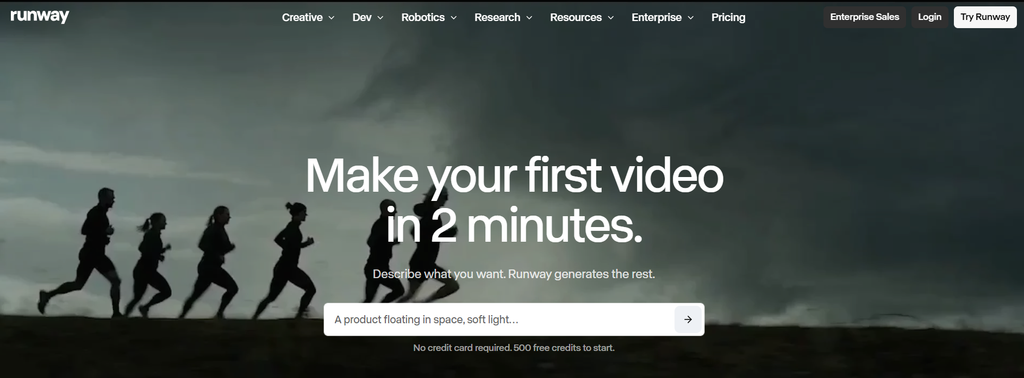
Runway is an AI video creation and editing platform built for creators who want more control over how their videos look and move. Its Gen-4.5 model supports text-to-video and image-to-video generation, allowing users to create detailed scenes from prompts or bring still images to life. Runway also has tools to transform existing footage, add visual effects, and develop stylized content. This makes it particularly useful for cinematic videos, creative projects, and workflows that need more control than a simple text-to-video tool.
Runway Best Features
- Text-to-video generation
- Image-to-video generation
- Video-to-video editing and transformation
- AI-powered video editing
- Multi-shot video generation
- Video stylization
- Character and creative animation
Runway Pricing
- Starts at $0/month with the Free plan
- Standard: $15/month
- Pro: $35/month
- Max: $95/month
- Team: $69/seat/month for 2–9 seats
- Enterprise: Custom pricing
- Runway Dev: API access with usage-based credit pricing
2. Google Veo
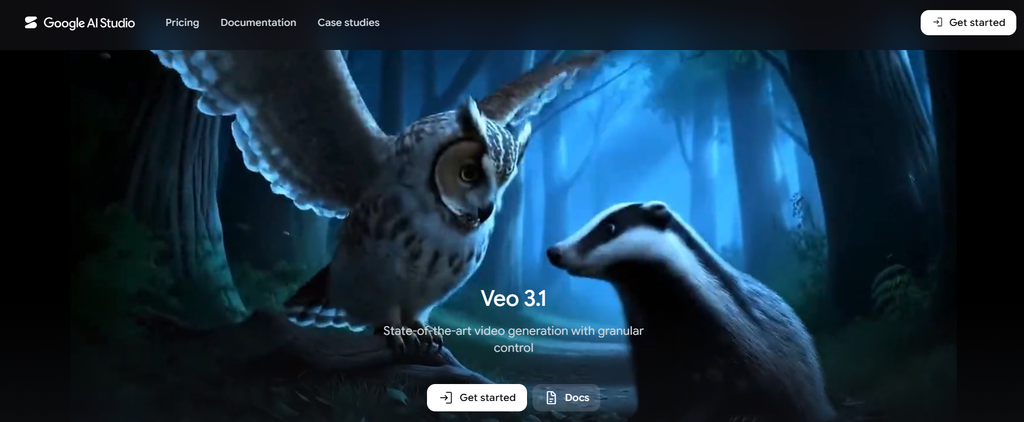
Google Veo is a generative video model built for creating realistic, high-quality videos with detailed motion and visuals. Its latest models support text-to-video and image-to-video generation, allowing users to turn prompts or still images into dynamic scenes. Veo also supports native audio, camera controls, reference images, and scene extension, giving creators more control over how their videos look, sound, and develop. This makes it particularly useful for realistic video generation, visual storytelling, and projects that need detailed scenes and natural motion.
Google Veo Best Features
- Text-to-video generation
- Image-to-video generation
- Native audio generation
- Dialogue and sound effects
- Reference image support
- Camera controls
- Scene extension
- First and last frame generation
Google Veo Pricing
- Google AI Plus: ₹399/month in India
- Google AI Pro: subscription plan with expanded access to Google’s AI video-generation tools
- Google AI Ultra: higher access limits and additional video-generation benefits
- API: separate pay-as-you-go pricing for Veo generation
3. Kling AI
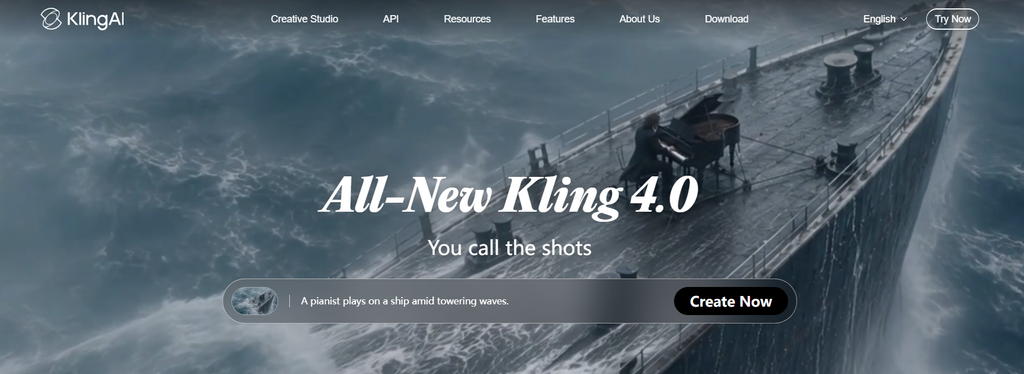
Kling AI is an AI video generation platform built for creating realistic videos with detailed motion and consistent characters and scenes. It supports text-to-video and image-to-video generation, allowing users to create scenes from prompts or animate existing images. Kling also offers video extension, camera controls, and tools for transforming footage, making it useful for character-driven videos, longer sequences, and creative projects that need realistic movement.
Kling AI Best Features
- Text-to-video generation
- Image-to-video generation
- Realistic motion generation
- Video extension for longer clips
- Character and scene consistency
- Camera and motion controls
- AI video editing and transformation
Kling AI Pricing
- Starts at $0/month with the Basic plan
- Standard: $10/month
- Pro: $37/month
- Premier: $92/month
- Ultra: $180/month
4. Pika
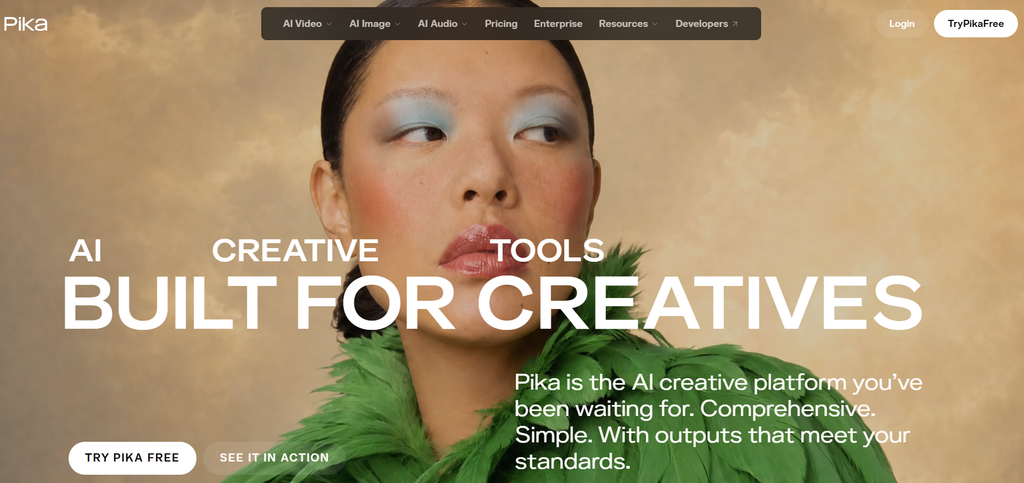
Pika is an AI video platform focused on fast, creative video generation and visual effects. It can generate short clips from text prompts or still images, but its appeal goes beyond basic video generation. Its video models, such as Pikaframes, Pikaswaps, and Pikadditions, let users extend sequences, replace elements, or add new objects to existing content. This makes Pika a useful option for social media creators, marketers, and anyone looking to experiment with visual effects without complex video editing.
Pika Best Features
- Text-to-video generation
- Image-to-video generation
- Image animation
- Video-to-video transformation
- AI video effects
- Pikaframes for creating longer sequences
- Pikaswaps and Pikadditions for modifying video content
Pika Pricing
- Free: $0/month, with packs available for additional credits
- Starter: $10/month for 900 credits
- Creator: $35/month for 3,150 credits
- Fancy: $95/month for 8,550 credits
- Enterprise: Custom pricing
- One-time credit top-ups: Available at $25 for 1,500 credits and up, with credits remaining available until used.
5. Luma AI
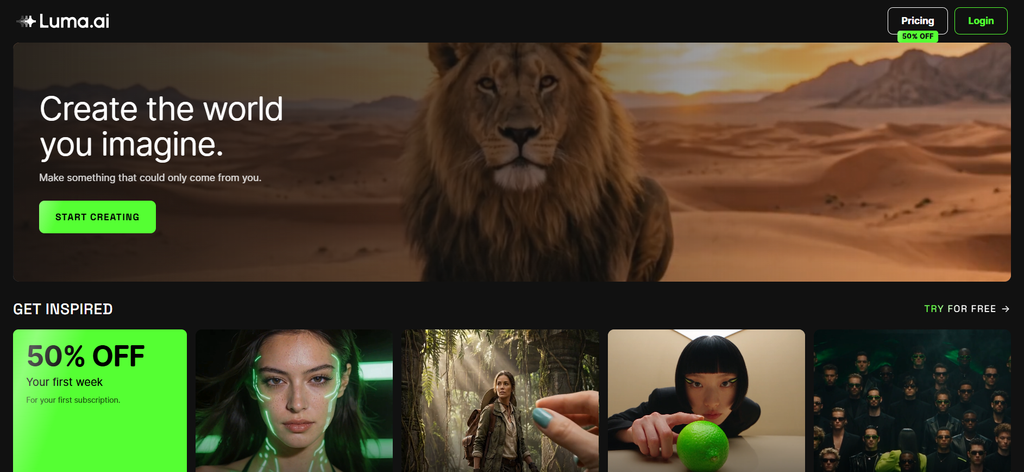
Luma AI is an AI creative platform that brings video generation, editing, and transformation into one workspace. It can turn text prompts and images into video, while features such as Extend, Reframe, Modify Video, and Motion Transfer give creators more ways to develop and adapt their footage. Its current Ray video models are designed for realistic motion and cinematic direction, making Luma AI useful for creative campaigns, social content, visual storytelling, and other workflows that need more control over generated video.
Luma AI Best Features
- Text-to-video generation
- Image-to-video generation
- AI video editing
- Video extension and reframing
- Motion transfer
- Video enhancement
- First and last frame generation
Luma AI Pricing
- Starts at $9.99/week with the Weekly plan
- Monthly: $49.99/month
- Yearly: $99.99/year
6. Synthesia
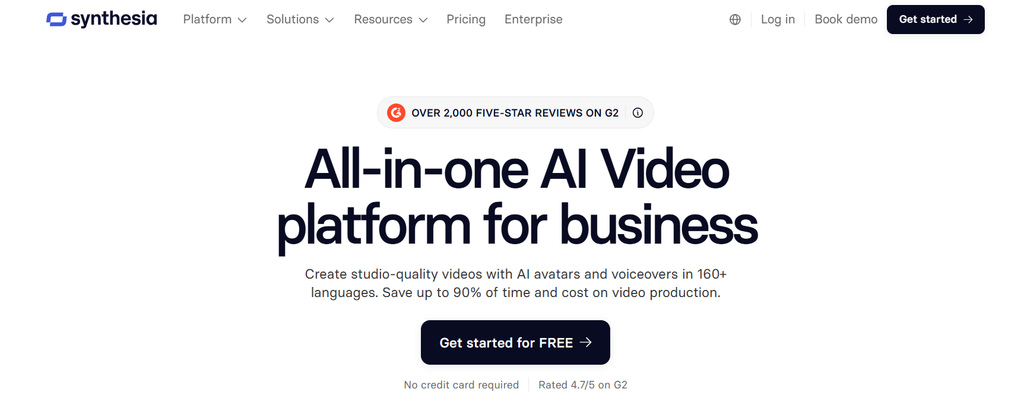
Synthesia is an AI video platform built for businesses that need to create professional videos without cameras, actors, or a production team. Its core workflow turns scripts, documents, links, or ideas into presenter-led videos using AI avatars and voiceovers, with tools for branding, collaboration, and localization built into the platform. It also lets users generate AI B-roll and translate videos into 160+ languages, making it particularly useful for training, onboarding, sales enablement, marketing, and internal communications.
Synthesia Best Features
- AI avatar video creation
- AI Video Assistant for turning content into video
- 160+ languages for voiceovers and translation
- AI dubbing and lip-synced video translation
- Custom and personal AI avatars
- AI-generated B-roll
- Brand Kit for on-brand videos
- Interactive videos and analytics
Synthesia Pricing
- Starts at $0/month with the Basic plan
- Starter: $29/month
- Creator: $89/month
- Enterprise: Custom pricing
7. HeyGen
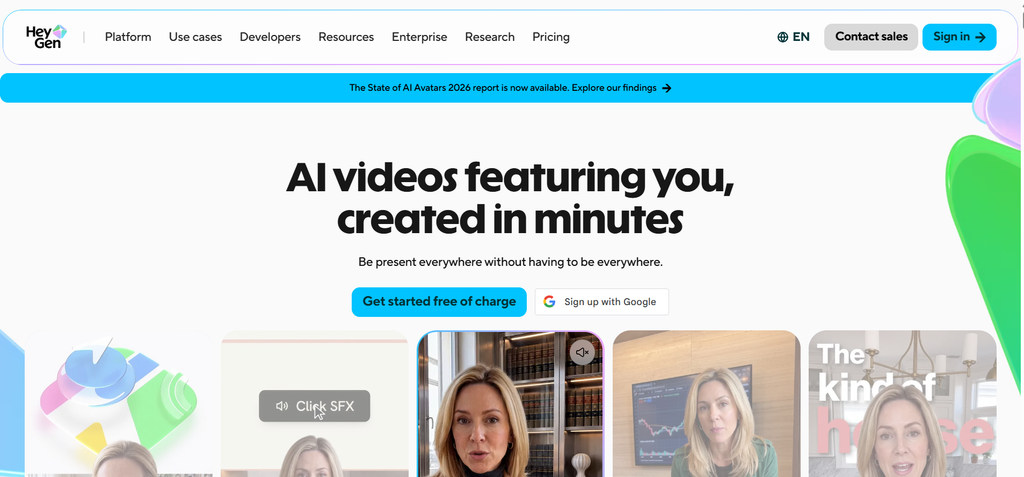
HeyGen is an AI video platform built around digital avatars, voice generation, and multilingual video creation. It can turn scripts into presenter-led videos, create talking avatars from images, and generate natural voiceovers without requiring a camera or recording setup. Its translation tools can also adapt videos into 175+ languages and dialects with synchronized lip movements, and features such as voice cloning and personalized avatars give creators more control over how their content is presented. This makes HeyGen particularly useful for marketing, sales, training, product demos, and localized content.
HeyGen Best Features
- AI avatar video generation
- Text-to-video creation
- Voice cloning
- Personalized and custom avatars
- Video translation and dubbing
- 175+ languages and dialects
- Lip-sync translation
- Image-to-video generation
HeyGen Pricing
- Starts at $0/month with the Free plan
- Creator: $29/month
- Pro: $49/month
- Business: $149/month + $20/month per additional seat
- Enterprise: Custom pricing
Conclusion
AI video generators now cater to a wide range of video creation needs, but no single tool is built for every use case. For instance, a tool focused on cinematic scenes, realistic motion, and creative control may not be the right fit for a business or social media manager.
So, you need to find a tool that’s built for your specific use case. To find the right fit, consider the type of video you need, the level of creative control you want, output quality, editing capabilities, and how well the tool fits into your existing workflow. Comparing these factors can help you choose an AI video generator that works for your specific content needs.