
Screen recording has evolved from a casual tool into an essential medium for professional communication.
You no longer need a camera or a full production setup to create a product demo, explain a process, record a tutorial, prepare training material, present an idea, or make video content. With the right software, you can capture your screen, add audio or a webcam, make basic edits, and share the finished video.
But not every screen recording tool is designed for the same type of content. Some focus on quick recording and sharing, but others offer advanced controls, editing tools, and high-quality audio and video capture. The right choice depends on your use case, recording quality, editing needs, and preferred workflow.
In this guide, we’ve rounded up the best screen recording software and compared their features, pricing, and use cases to help you find the right tool.
7 Best Screen Recording Software
Here are some of the best options, with their key features, strengths, and use cases to help you compare them:
1. OBS Studio
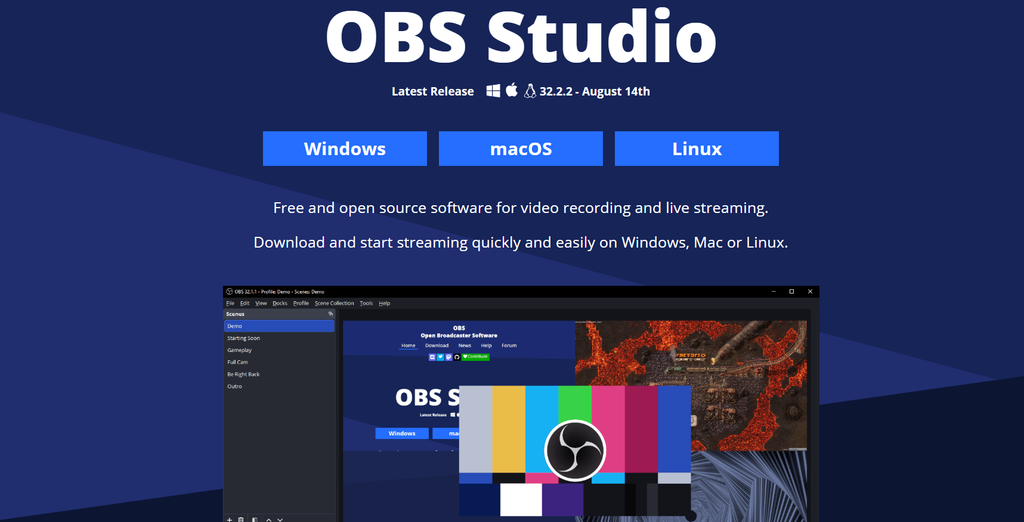
OBS Studio is a free, open-source screen recording and streaming platform built for users who want detailed control over their recordings. It lets users capture their screen, individual windows, webcams, and other sources, and combine them into customizable scenes. OBS Studio also provides extensive audio controls and recording settings, allowing users to adjust their setup based on the type of content they are creating. The flexibility it offers makes it particularly useful for tutorials, product demonstrations, presentations, gameplay, live streams, and other video content that requires more control over the recording setup.
OBS Studio Best Features
- Screen and window recording
- Customizable scenes and sources
- Webcam and microphone support
- Advanced audio controls
- Multiple audio and video sources
- Custom recording settings
- Live streaming support
- Free and open-source software
OBS Studio Pricing
- Free to use
- Open-source with no paid plans or subscriptions
2. Loom
Loom is a screen and webcam recording platform built for quickly creating and sharing videos without a complicated recording or editing setup. Users can record their screen, webcam, or both simultaneously, making it easy to produce tutorials, product demos, presentations, and team updates. Furthermore, Loom simplifies distribution by letting you share recordings instantly via a link, making it a natural fit for asynchronous communication, remote teams, customer support, and internal training. Beyond simple playback, recipients can engage directly with the video by leaving time-stamped comments, emoji reactions, and call-to-action buttons, turning passive watching into a collaborative dialogue.
Loom Best Features
- Screen and webcam recording
- Microphone and system audio support
- Instant video sharing
- Screen and camera recording at the same time
- Video trimming and editing
- Custom recording layouts
- Video comments and reactions
- Asynchronous team communication
Loom Pricing
- Starts at $0/month with the Free plan
- Business: $18/user/month
- Business + AI: $24/user/month
- Enterprise: Custom pricing
3. Camtasia
Camtasia is a comprehensive screen recording and video editing software designed for creating polished instructional and business videos. It lets users record their screen, webcam, microphone, and system audio simultaneously, then seamlessly edit the footage using a robust timeline-based video editor. Furthermore, Camtasia includes powerful tools for adding annotations, transitions, animations, captions, and other visual elements to recordings, making it particularly useful for tutorials, training videos, software demonstrations, and presentations where clear visual explanations are vital.
Camtasia Best Features
- Screen and webcam recording
- Built-in video editor
- Microphone and system audio recording
- Annotations and callouts
- Transitions and animations
- Captions and subtitles
- Cursor effects
- Templates and video assets
Camtasia Pricing
- Starter: $39/year
- Essentials: $179.88/year
- Create: $249/year
- Pro: $599/year
- Business: Per-user business licensing with volume discounts available
- Enterprise: Custom pricing
- Education discounts: Available for educators and students
4. ScreenPal
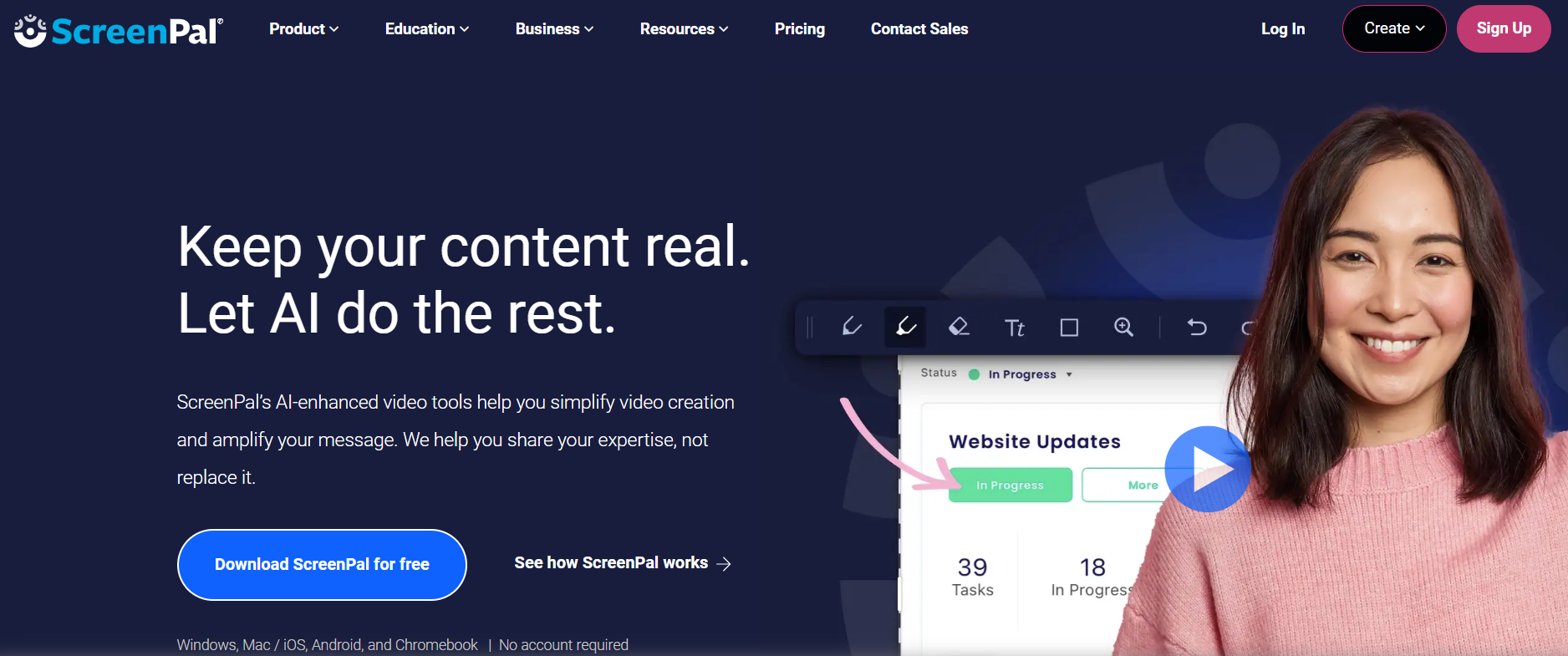
ScreenPal is an easy-to-use screen recording and video editing platform designed for creating videos without a complicated setup. It lets users record their screen and webcam, add voice narration, and perform basic edits before sharing the final video. Additionally, its built-in annotation tools can be used to highlight key information and guide viewers through a process. This streamlined workflow makes ScreenPal an ideal choice for instructional materials like tutorials, presentations, and training modules.
ScreenPal Best Features
- Screen and webcam recording
- Microphone and system audio support
- Basic video editing
- Screen annotations
- Drawing and highlighting tools
- Captions and subtitles
- Video sharing
- Recording templates
ScreenPal Pricing
- Starts at $0/month with the Free plan
- Deluxe: $3/month
- Max: $10/month
- Team plans: Custom pricing
5. Snagit
Snagit is a standalone application within TechSmith’s Camtasia portfolio, alongside Camtasia Editor and other video creation tools. Snagit is a screen capture and recording software engineered for quickly creating precision screenshots, concise videos, and instructional graphics. Users can capture their entire screen, a specific window, or a selected area, and record their screen with microphone or system audio. Moreover, the software features annotation and editing tools that make it easy to highlight important information, add callouts, and explain processes visually. This makes it an invaluable asset for tutorials, step-by-step guides, software walkthroughs, presentations, and everyday workplace communication.
Snagit Best Features
- Screen and webcam recording
- Full-screen and region capture
- Scrolling screen capture
- Screenshot annotation tools
- Callouts, arrows, and shapes
- Microphone and system audio recording
- Basic video editing
- Image and video sharing
Snagit Pricing
- Individual: $39/year
- Snagit is also included with Camtasia Essentials, Create, and Pro plans
- TechSmith Assets for Snagit: $49.99/year/user
- Business and enterprise pricing: Custom pricing
6. Riverside
Riverside is a recording platform designed for capturing studio-quality audio and video remotely. It enables users to record their screen, webcam, microphone, and multiple remote participants independently, making it ideal for producing diverse video content. Furthermore, Riverside records each participant locally, helping maintain consistent audio and video quality even when internet connections vary. This local-capture reliability makes it an indispensable tool for interviews, webinars, podcasts, presentations, and any remote production demanding uncompromising quality.
Riverside Best Features
- Screen and webcam recording
- High-quality audio and video recording
- Local recording for remote participants
- Separate audio and video tracks
- Remote recording and interviews
- Live streaming
- Built-in video editing
- Automatic transcription and captions
Riverside Pricing
- Pro: $29/month
- Grow: $39/month
- Webinar: $99/month
- Business: Custom pricing
- Free trial: 14 days
7. Movavi Screen Recorder
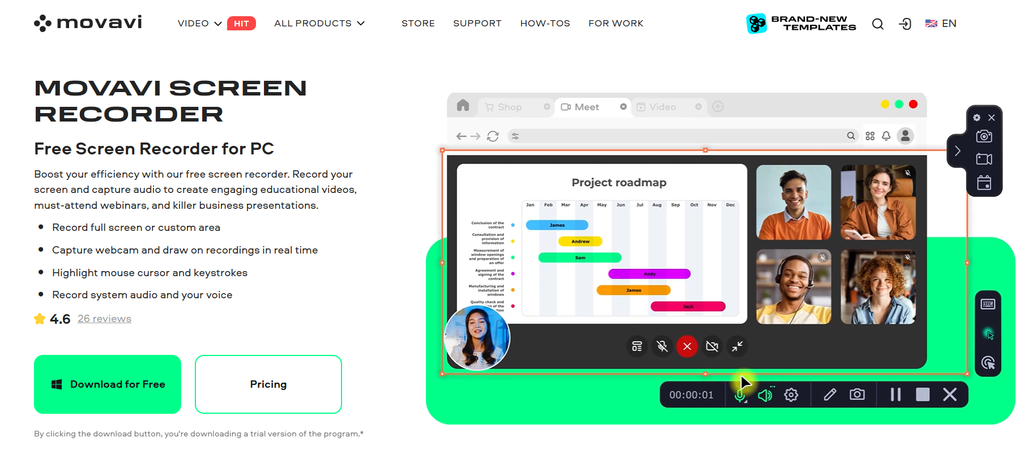
Movavi Screen Recorder is a user-friendly screen recording tool designed for capturing your screen, webcam, and audio without a complicated setup. Users can record their entire screen or a specific area, add annotations during recordings, and schedule captures for a later time. It also houses basic editing tools for trimming recordings and making simple adjustments before sharing them. This streamlined approach makes it an effective option for tutorials, presentations, online lessons, software demonstrations, and any scenario requiring quick, hassle-free screen capture.
Movavi Screen Recorder Best Features
- Screen and webcam recording
- Microphone and system audio capture
- Scheduled screen recordings
- Custom recording areas
- Screen drawing and annotations
- Basic video editing
- Cursor highlighting and effects
- Screenshot capture
Movavi Screen Recorder Pricing
- Screen Recorder: $19.95/month
- Screen Recorder: $64.95/year
- Screen Recorder + Video Editor: $59.95/year
- Screen Recorder + Video Editor: $89.95 lifetime
- 14-day money-back guarantee
Conclusion
The best screen recording software depends on what you need to create and how you plan to use your recordings. OBS Studio is a strong option for advanced recording controls, Loom is built for quick recording and sharing, and Camtasia and ScreenPal work well for tutorials and instructional content. Riverside is suited to remote recording with high-quality audio and video, while tools such as Snagit and Movavi Screen Recorder focus on quick screen capture and straightforward recording.
Before choosing a screen recorder, consider your recording quality, audio and webcam needs, editing requirements, device compatibility, and sharing workflow. The right combination of features can make it easier to create and share videos for your specific use case.