
Creating long-form video takes hours of hard work, and chopping it into bite-sized clips takes just as much time.
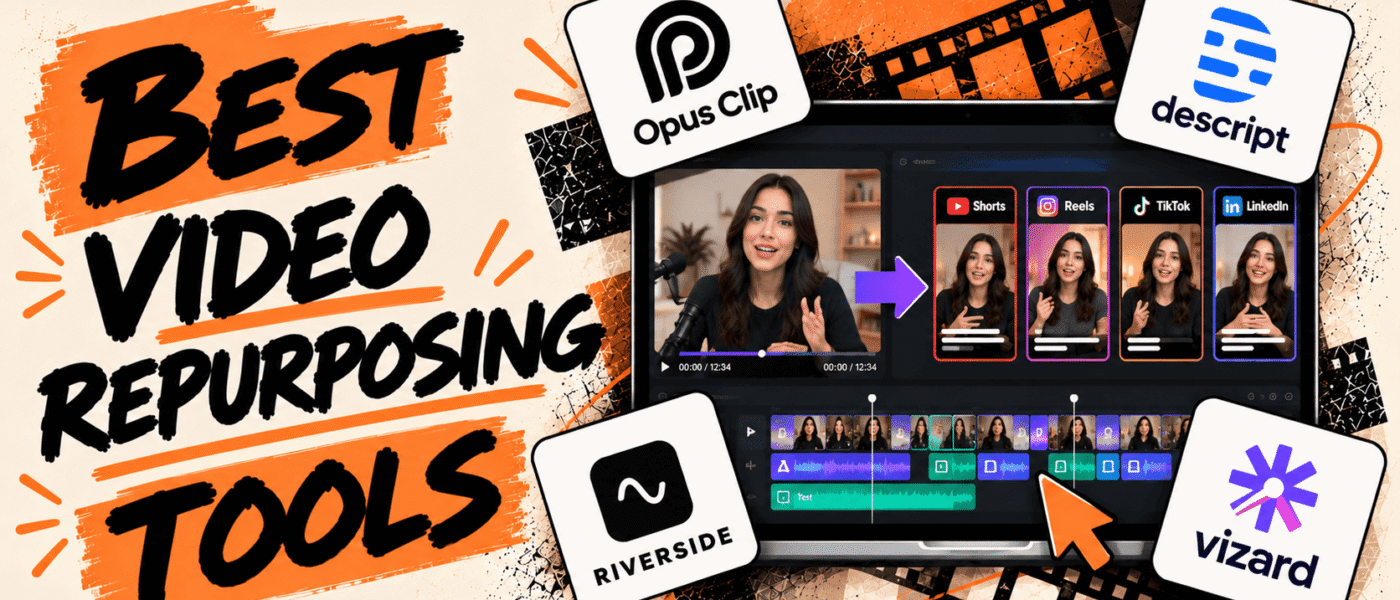
That’s where video repurposing tools come in, helping you turn long-form content such as podcasts, webinars, interviews, and YouTube videos into shorter clips for social media and other channels.
With features like AI-powered clip selection, automatic captions, video resizing, highlight detection, and streamlined publishing workflows, these tools make it easier to adapt existing content for different platforms without editing each version from scratch.
In this guide, we’ll compare the best video repurposing tools, their key features, and pricing to help you find the right fit.
Best Video Repurposing Tools
Here’s a look at the top options, their key features, and pricing to help you find the perfect match for your business needs:
1. OpusClip
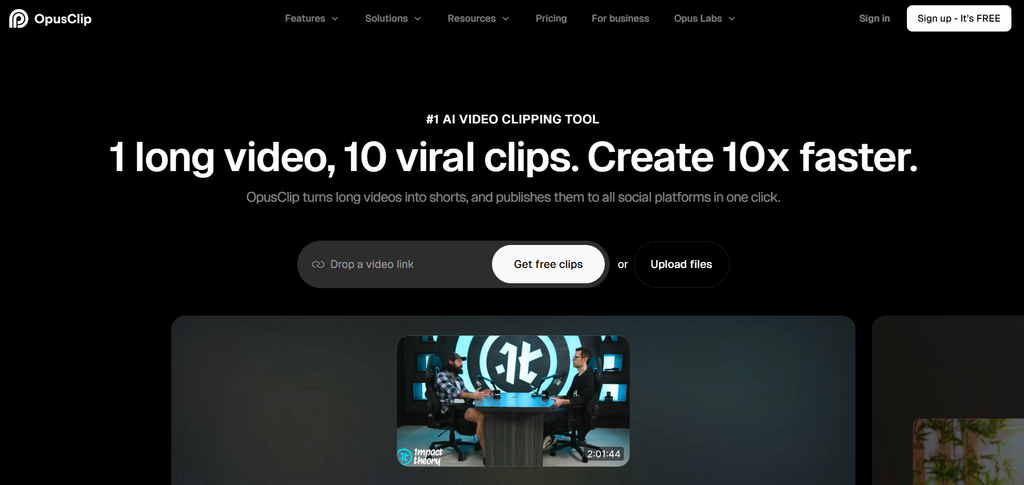
OpusClip is an AI-powered video repurposing tool that turns long-form videos into short clips for social media. By analyzing source footage, it automatically identifies high-impact moments, generates dynamic captions, and reframes videos for vertical formats. Beyond basic editing, users can apply custom branding, add AI B-roll, and seamlessly prepare multi-platform content. It is an invaluable tool for creators, podcasters, and marketing teams looking to scale their short-form content output with minimal manual effort.
OpusClip Best Features
- AI-powered clip selection from long-form videos
- AI-generated captions and subtitles
- Automatic reframing for vertical videos
- AI B-roll and editing tools
- Animated captions and customizable styles
- AI virality scoring for potential clip performance
- Brand templates and custom branding
- Social media publishing and scheduling
OpusClip Pricing
- Starts at $0/month with the Free plan
- Starter: $15/month
- Pro: $29/month, or $14.50/month billed annually
- Business: Custom pricing and packs
2. Descript
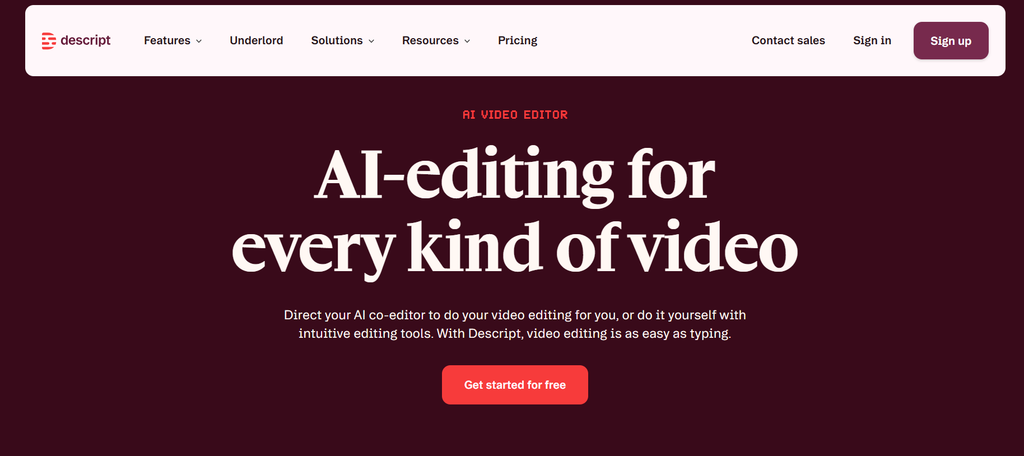
Descript takes a unique approach to video and audio editing by letting you edit your recordings simply by changing a text transcript. Instead of wrestling with a traditional timeline, you can cut out filler words, trim dead air, and pull out standout clips just like you would edit a Google Doc. Beyond text-based editing, it offers handy features like automated transcription, audio cleanup, and caption generation. It’s a favorite for podcasters, creators, and teams who regularly turn long interviews, webinars, and presentations into bite-sized content.
Descript Best Features
- Transcript-based video and audio editing
- Automatic transcription and captions
- AI-powered clip creation
- Filler-word and unwanted-speech removal
- AI audio enhancement
- Screen recording and presentation recording
- Templates and layouts for social clips
- Export options for different platforms
Descript Pricing
- Starts at $0/month with the Free plan
- Hobbyist: $16/month
- Creator: $24/month
- Business: $50/month
- Enterprise: Custom pricing
3. Riverside
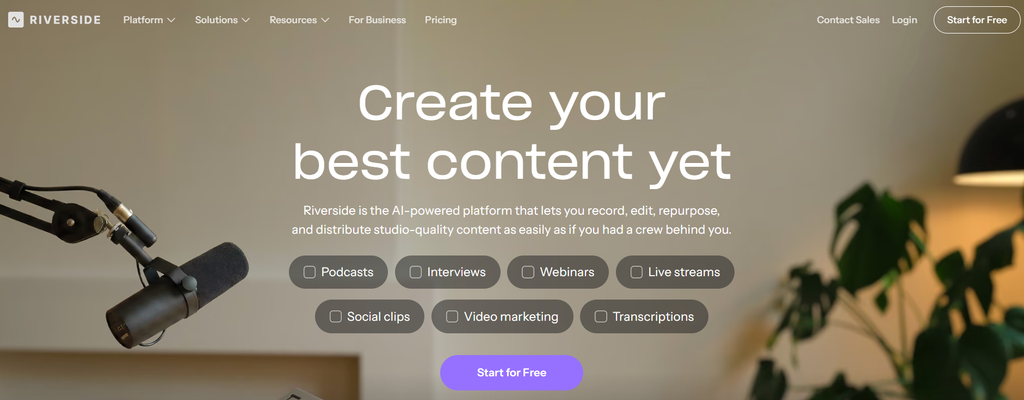
Riverside combines remote recording with AI-powered editing and content repurposing tools. It’s primarily built for recording crystal-clear audio and video (independent local tracks for every guest), meaning your raw material starts at studio quality. Once you’re done recording, its built-in Magic Clips tool uses AI to scan the conversation, pluck out the best highlights, and format them for social media. For podcasters and interviewers who want to go straight from recording to clipping without exporting files to a third-party app, it’s a seamless all-in-one solution.
Riverside Best Features
- High-quality audio and video recording
- AI-powered clip generation
- Automatic transcription and captions
- AI highlight detection
- Customizable layouts and aspect ratios
- Text-based editing
- AI-generated show notes and transcripts
- Tools for sharing and publishing content
Riverside Pricing
- Free trial: 14 days
- Pro: $12/month, billed annually
- Grow: $16/month, billed annually
- Webinar: $39/month, billed annually
- Business: Custom pricing.
4. Vizard
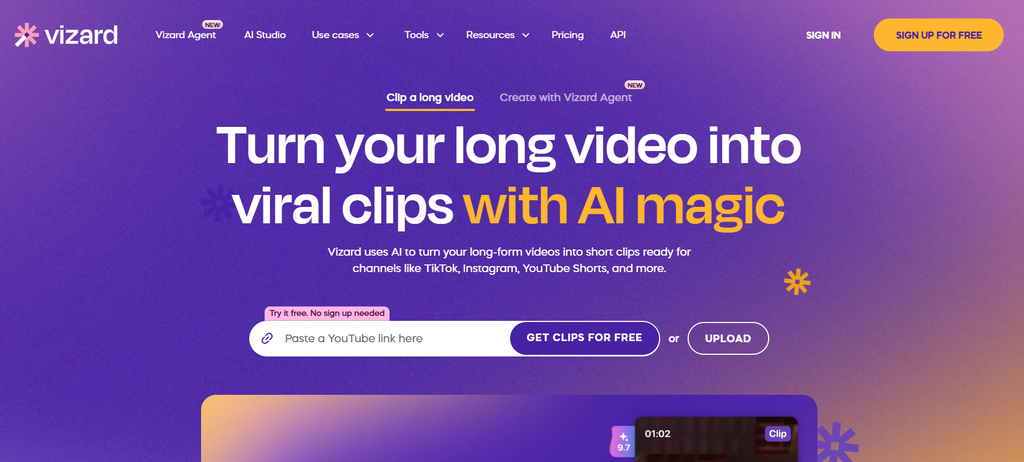
Vizard is an AI video repurposing platform optimized for processing heavy, long-form footage such as webinars, lectures, and corporate recordings. Its core capability lies in automated highlight detection, which scans uploaded files to extract engaging moments and package them into captioned, vertical-ready clips. The platform provides granular post-generation controls for users to fine-tune clip selections, edit subtitles line by line, and adjust layouts for various social channels. It is designed for marketing teams, educators, and creators seeking to systematically scale short-form output from extensive video archives without manual timeline scrubbing.
Vizard Best Features
- AI-powered highlight detection
- Automatic short-clip generation
- AI captions and subtitle editing
- Automatic video reframing and resizing
- Support for multiple languages
- Customizable clip layouts
- Brand customization options
- Social media export and publishing workflows
Vizard Pricing
- Free: $0/month
- Creator: $14.50/month, billed annually
- Business: $19.50/month, billed annually
5. VEED
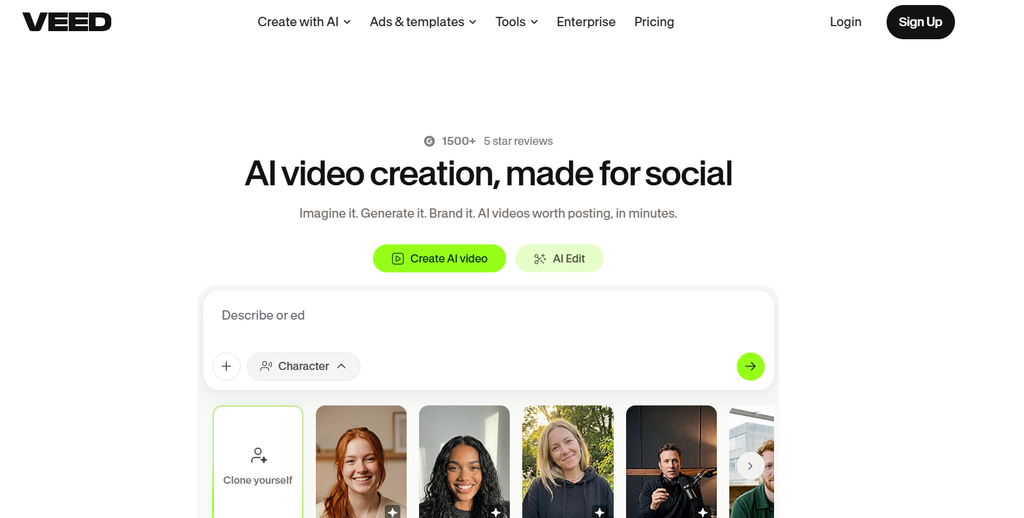
VEED operates as an all-in-one browser-based video suite designed for teams that need to edit, brand, and format content directly in the cloud without desktop software. Rather than functioning solely as a clip extractor, it provides a full suite of timeline tools, highly accurate auto-transcription, custom brand kits, and instant multi-format resizing. It is a practical hub for marketers and creators who want to combine automated features like AI subtitles with granular design control over templates, overlays, and visual assets.
VEED Best Features
- AI-powered clip generation
- Automatic subtitles and caption translation
- Video resizing for different platforms
- AI dubbing and voice translation
- Text-based video editing
- Background removal and audio cleanup
- Custom branding and video templates
- Browser-based editing and collaboration
VEED Pricing
- Free plan available
- Creator: Starts at about $12/user/month, billed annually
- Pro: Approximately $22/user/month, billed annually
- Studio: Approximately $39/user/month, billed annually
- Enterprise: Custom pricing
6. Kapwing
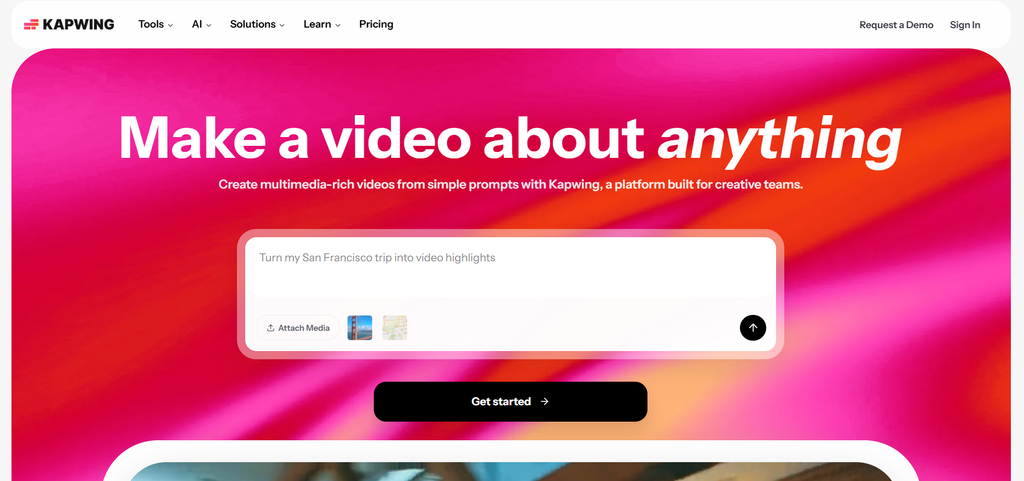
Kapwing brings video editing, AI automation, and collaboration together in one browser-based workspace. Its AI-powered features help marketers turn webinars, podcasts and other long-form videos into shorter social media clips, generate subtitles, translate content and resize videos for different platforms. The built-in editor offers additional creative controls for incorporating brand assets, text, animations, and visual effects. Shared workspaces and collaborative editing also make it easier for teams to manage video projects, repurpose existing footage, and maintain a consistent visual identity across channels.
Kapwing Best Features
- AI-powered clip generation
- Automatic subtitles and caption translation
- Video resizing for different social platforms
- AI-assisted video editing
- Smart trimming and transcript-based editing
- Custom templates and branding
- Shared workspaces and collaboration
- Browser-based editing and exports
Kapwing Pricing
- Free: $0/month
- Pro: $16/month per member, billed annually, or $24/month billed monthly
- Business: $50/month per member, billed annually, or $64/month billed monthly
- Enterprise: Custom pricing
7. quso.ai
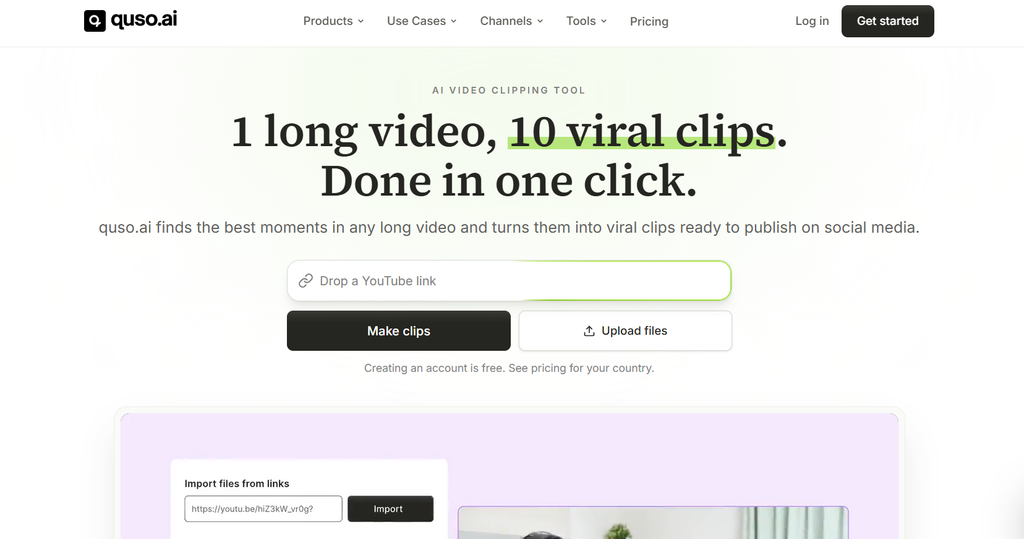
quso.ai is an AI-powered video repurposing platform that helps creators and marketing teams transform long-form recordings into short, shareable social media content. It identifies engaging moments in videos, automatically generates clips, adds captions, and adapts formats for platforms such as TikTok, Instagram Reels, and YouTube Shorts. Users can also customise captions, layouts, and brand elements, and its social media features support content planning and publishing. quso.ai simplifies the process of turning a single recording into multiple platform-specific assets, helping teams maintain a more consistent video content pipeline.
quso.ai Best Features
- AI-powered highlight detection
- Automatic short-form clip creation
- AI-generated captions and subtitles
- Automatic resizing for social platforms
- Customizable video templates
- Brand presets and visual customization
- Tools for adding text and social media elements
- Export options for short-form video channels
quso.ai Pricing
- Free: $0/month.
- Lite: $19/month, billed annually, or $29/month, billed monthly.
- Essential: $26/month, billed annually, or $39/month, billed monthly.
- Growth: $33/month, billed annually, or $49/month, billed monthly.
Conclusion
Video repurposing tools differ in how they identify highlights, automate editing, and adapt content for different platforms. Some prioritise quick clip generation, while others offer more flexibility and creative control.
OpusClip and Vizard are strong options for automated clipping, Descript offers transcript-based editing, and Riverside combines recording with repurposing. VEED and Kapwing provide a mix of AI-powered features and manual editing capabilities.
The right tool depends on your content volume, editing requirements, and budget. Compare clip quality, captioning features, platform support, and pricing to find a solution that fits your workflow.