
A great podcast episode isn’t just recorded. It’s refined, edited, and shaped into a story worth listening to.
Editing plays an important role in the final listening experience. Removing mistakes and awkward pauses, improving audio quality, and balancing different speakers can make an episode clearer and more engaging.
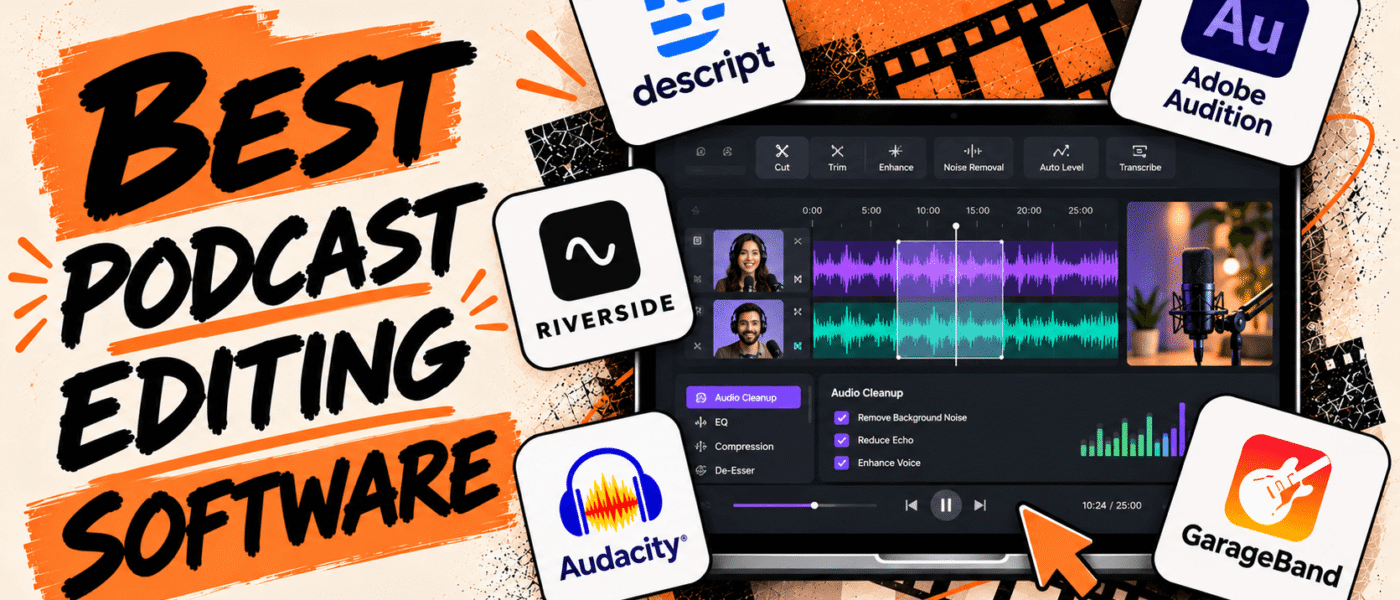
Podcast editing software makes these tasks easier with features like multitrack editing, noise reduction, audio restoration, automatic transcription, and AI-powered cleanup. Some tools also include video editing capabilities for creators who publish video podcasts.
In this guide, we’ll compare the best podcast editing software, their key features, and pricing to help you choose the right tool for your production workflow.
Best Podcast Editing Software
Here’s a look at the top podcast editing tools, their key features, and pricing to help you find the right solution for your podcasting needs:
1. Descript
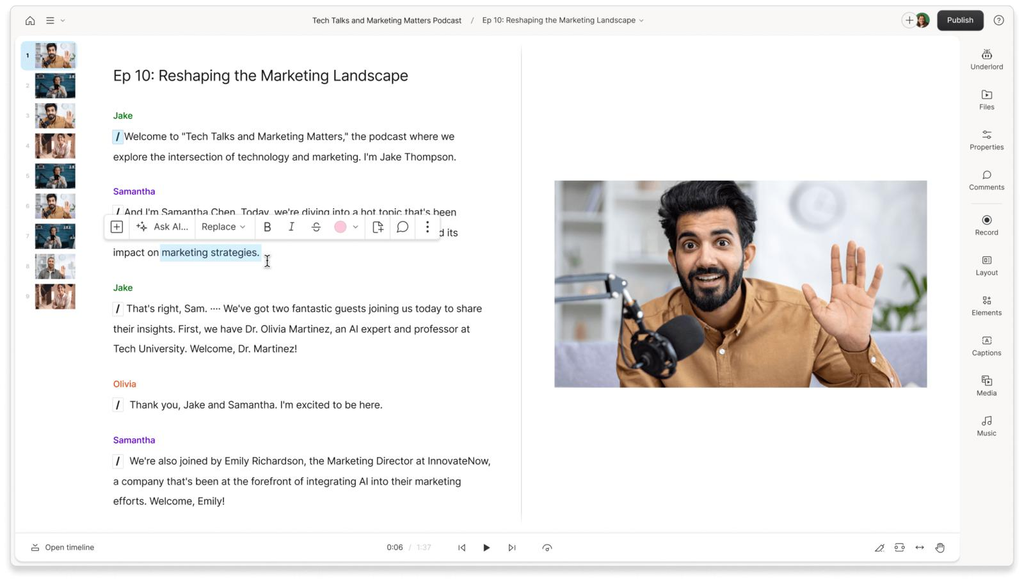
Descript takes a unique approach to podcast editing by allowing creators to edit audio and video recordings simply by modifying the generated text transcript. Instead of navigating complex editing timelines, users can remove filler words, trim unnecessary pauses, and rearrange conversations just like editing a document. Beyond transcript-based editing, Descript offers AI-powered audio enhancement, automatic transcription, remote recording, and clip creation tools. It is a great option for podcasters, interviewers, and content teams who want to simplify post-production while maintaining control over their final content.
Descript Best Features
- Transcript-based audio and video editing
- Automatic transcription and captions
- AI-powered filler-word removal
- Automatic silence and pause removal
- AI audio enhancement and noise reduction
- Multitrack audio editing
- Remote recording and screen recording
- AI-powered short-form clip creation
Descript Pricing
- Starts at $0/month with the Free plan
- Hobbyist: $16/month, billed annually
- Creator: $24/month, billed annually
- Business: $50/month, billed annually
- Enterprise: Custom pricing
2. Adobe Audition
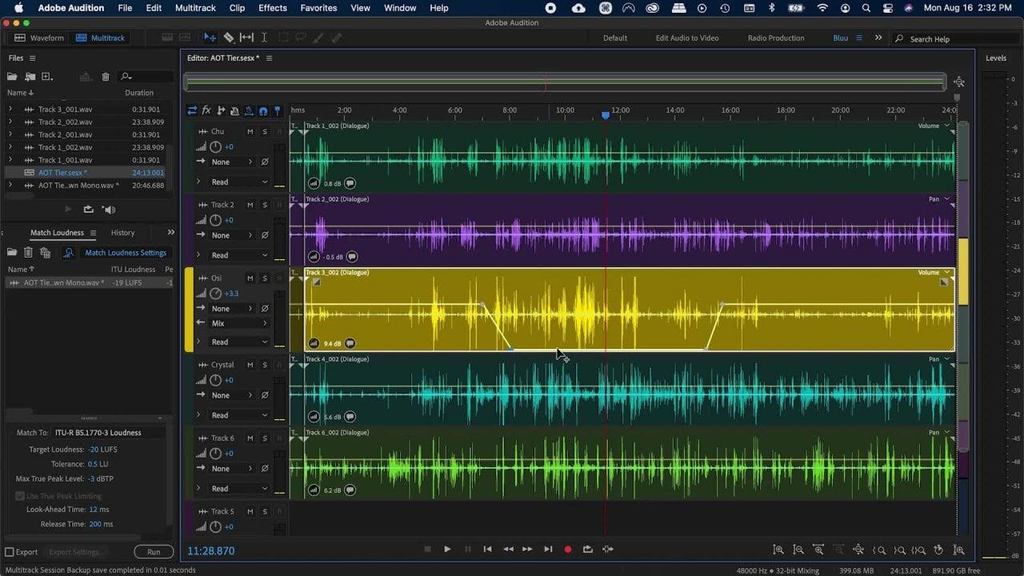
Adobe Audition is a professional audio editing and production platform designed for podcasters who need precise control over their recordings. Its multitrack editing environment makes it easy to manage multiple speakers, arrange audio segments, adjust volume levels, and mix recordings into a polished episode. The software also includes advanced noise reduction, spectral editing, and audio restoration tools that help remove unwanted background sounds and recording imperfections. Its comprehensive sound-processing capabilities make it a strong choice for experienced podcasters, audio engineers, and production teams looking for professional-grade editing tools.
Adobe Audition Best Features
- Multitrack audio editing and mixing
- Waveform and spectral editing
- Advanced noise reduction
- Audio restoration and repair tools
- Automatic speech alignment
- Equalization and compression
- Audio effects and sound processing
- Batch processing for multiple audio files
Adobe Audition Pricing
- 7-day free trial available
- Single App Plan: $22.99 USD per month, billed annually
- Creative Cloud All Apps Plan: Around $59.99 to $79.49 USD per month, billed annually
3. Riverside
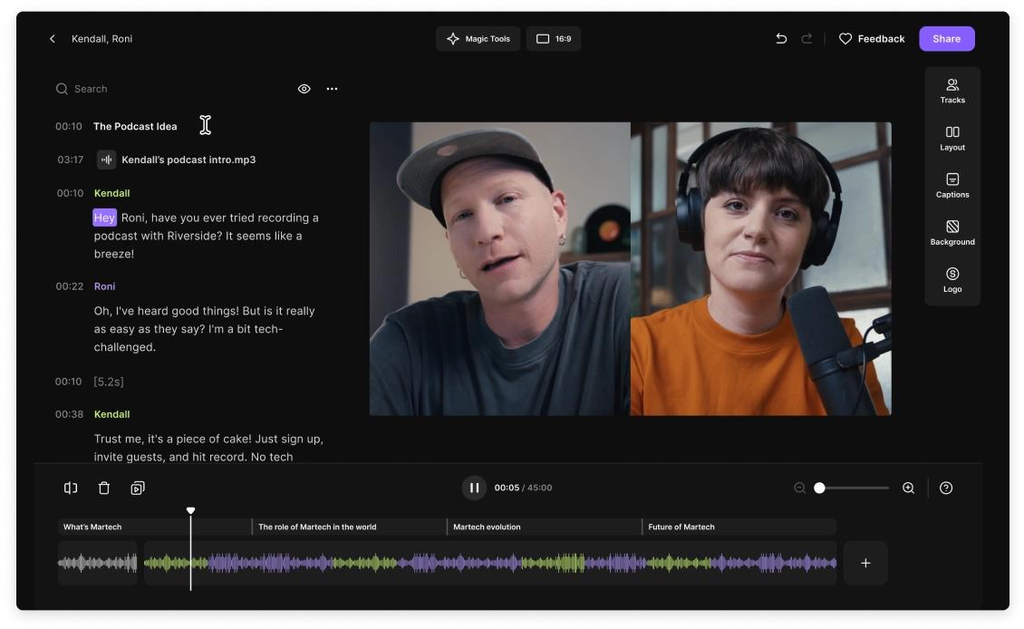
Riverside combines podcast recording and editing tools in one platform for creators to manage their production workflow without switching between multiple applications. Its separate-track recording capabilities allow users to edit each participant’s audio and video independently, while its transcript-based editor simplifies trimming and rearranging conversations. Riverside also includes AI-powered audio cleanup, automatic captions, and tools for creating short-form clips from longer recordings. It is a great fit for interview-based podcasts and creators who produce both audio and video episodes.
Riverside Best Features
- Separate-track audio and video editing
- Transcript-based editing
- AI-powered audio cleanup and enhancement
- Automatic transcription and captions
- Background noise reduction
- Video resizing and layout customization
- AI-powered clip generation
- Built-in recording and publishing workflows
Riverside Pricing
- Free trial: 14 days
- Pro: $24/month, billed annually
- Grow: $34/month, billed annually
- Webinar: $79/month, billed annually
- Business: Custom pricing.
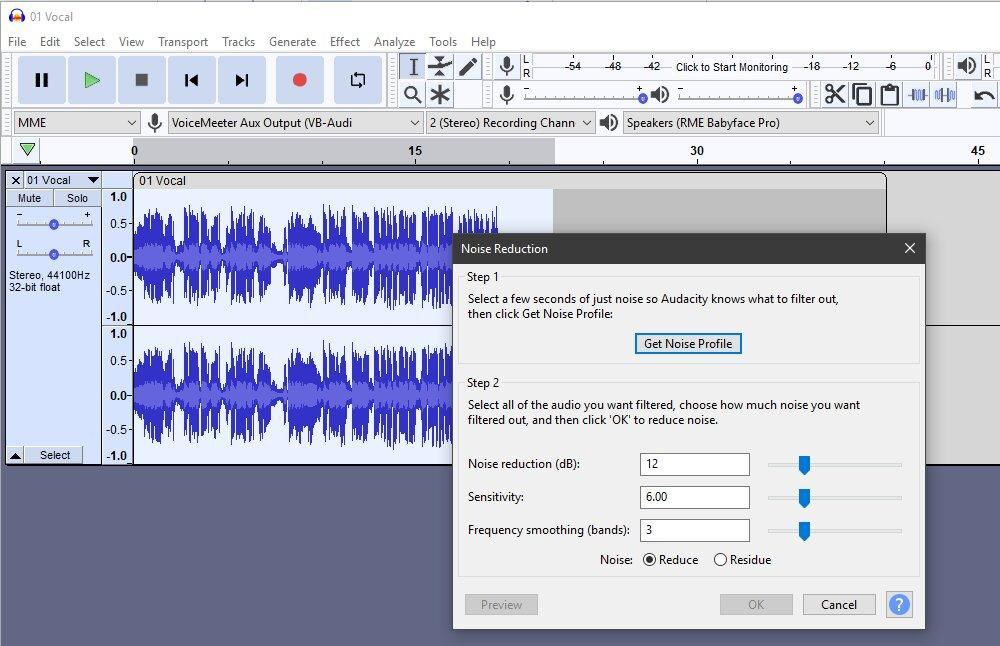
4. Audacity
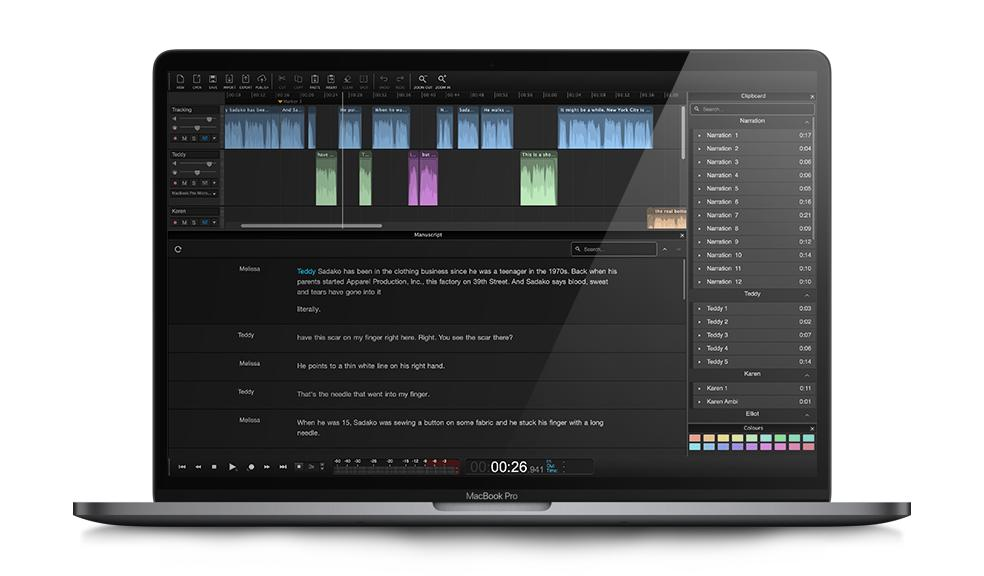
Audacity is a free, open-source audio editing platform that provides essential tools for cleaning up podcast recordings and preparing episodes for publishing. It allows creators to edit multiple audio tracks, remove unwanted sections, reduce background noise, and apply effects to improve overall sound quality. Its extensive plugin support and range of audio-processing tools also make it flexible enough for more advanced editing workflows. Although it doesn’t offer the same automated features as some AI-powered podcast editors, Audacity is a reliable option for beginners and independent creators who want greater control over their audio without paying for a subscription.
Audacity Best Features
- Free and open-source audio editing
- Multitrack recording and editing
- Noise reduction and background sound removal
- Audio effects, equalization, and filters
- Volume adjustment and normalization
- Pitch and tempo adjustment
- Third-party plugin support
- Support for common podcast audio formats
Audacity Pricing
- Starts at $0/month. Audacity is completely free to download and use.
5. Hindenburg Pro
Hindenburg Pro is an audio editing platform designed for spoken-word content like journalism. It’s not like a traditional digital audio workstations that focus heavily on music production, but prioritizes voice recordings and interview-based content. Its automatic audio leveling, voice profiling, multitrack editing, and mixing tools help maintain consistent sound quality across different speakers and recording environments. The platform also offers tools for organizing recordings, managing interviews, and preparing finished episodes for distribution
Hindenburg Pro Best Features
- Multitrack podcast audio editing
- Automatic audio leveling
- Voice profiling and sound optimization
- Audio mixing and equalization
- Noise reduction and audio cleanup
- Tools for editing interviews and spoken-word recordings
- Automatic loudness management
- Audio export and publishing workflows
Hindenburg Pro Pricing
- Free trial available
- Standard, Plus, Premium, Perpetual: Price not publicly listed
6. GarageBand
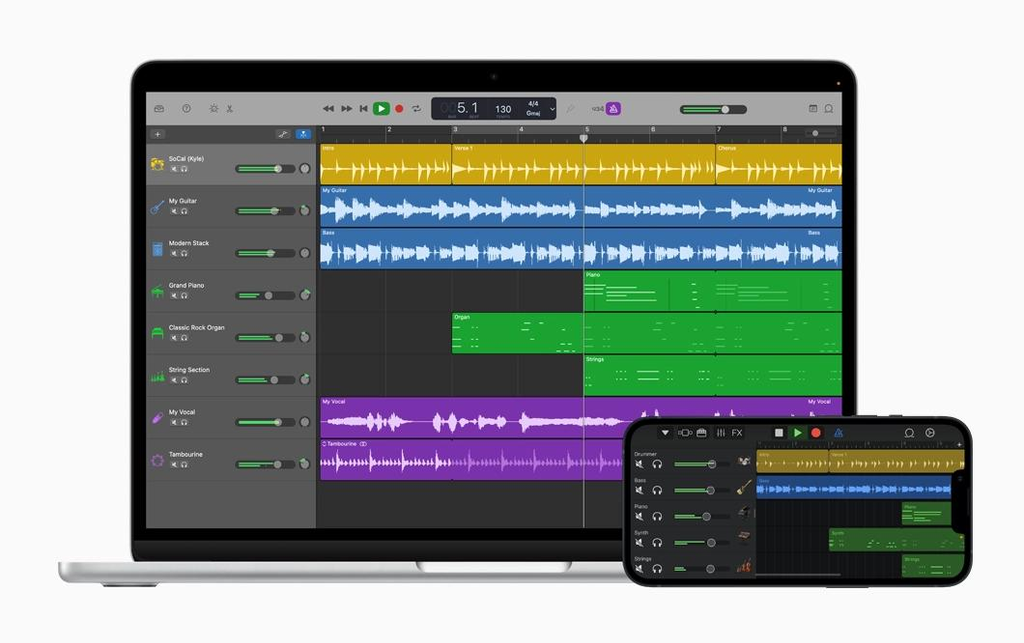
GarageBand is an accessible audio production tool that offers a simple way for creators to edit, mix, and enhance podcast recordings. Although it is primarily designed for music production, its multitrack editing capabilities, built-in audio effects, and recording tools make it suitable for basic podcast post-production. Users can trim recordings, adjust individual tracks, apply equalization, and add background music or sound effects to their episodes. Its intuitive interface is useful for beginners and solo podcasters who want to produce clean, professional-sounding audio without learning a complex editing application.
GarageBand Best Features
- Multitrack audio editing and mixing
- Simple, beginner-friendly interface
- Audio trimming and arrangement tools
- Built-in equalization and compression
- Noise gate and audio effects
- Voice recording and microphone support
- Virtual instruments and sound libraries
- Audio export for podcast publishing
GarageBand Pricing
- Starts at $0/month. GarageBand is free for compatible Apple devices.
7. Auphonic
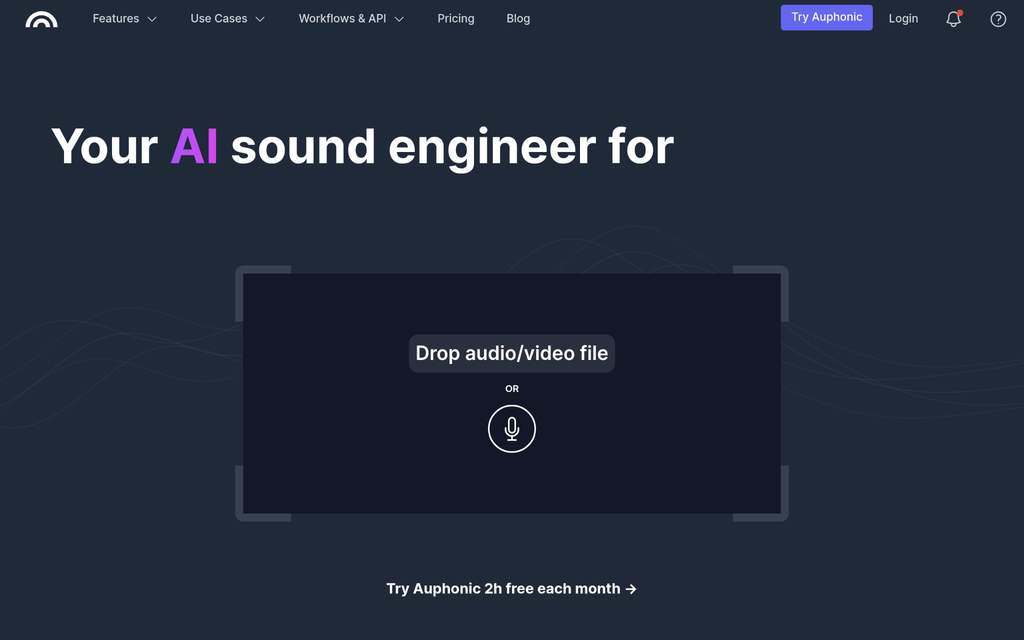
Auphonic takes a different approach to podcast editing by focusing on automated audio post-production rather than traditional manual editing. Its intelligent audio-processing technology helps creators balance speaker volumes, reduce background noise, remove unwanted sounds, and normalize loudness to improve recording consistency. The platform can process interviews, podcasts, voiceovers, and other spoken-word recordings with minimal manual intervention. It also supports automatic encoding, metadata management, and publishing integrations.
Auphonic Best Features
- AI-powered audio post-production
- Automatic loudness normalization
- Intelligent leveling of multiple speakers
- Background noise and reverb reduction
- Automatic audio cleanup and processing
- Multitrack audio processing
- Automatic encoding and file conversion
- Metadata management and publishing integrations
Auphonic Pricing
- Free: 2 hours of processed audio per month
- Recurring Credits: Starts at $11/month, billed annually
- One-Time Credits: Starts at $12/month, billed annually
Conclusion
Podcast editing software ranges from beginner-friendly audio editors to professional workstations and AI-powered post-production tools. Each offers different ways to improve recordings, simplify editing, and prepare episodes for publishing.
When choosing a tool, consider your editing workflow, audio cleanup features, multitrack support, and automation capabilities. If you also publish video podcasts, look for software with video editing features. The best choice is one that fits your production needs and helps you create clear, polished episodes without making the editing process more complicated.